
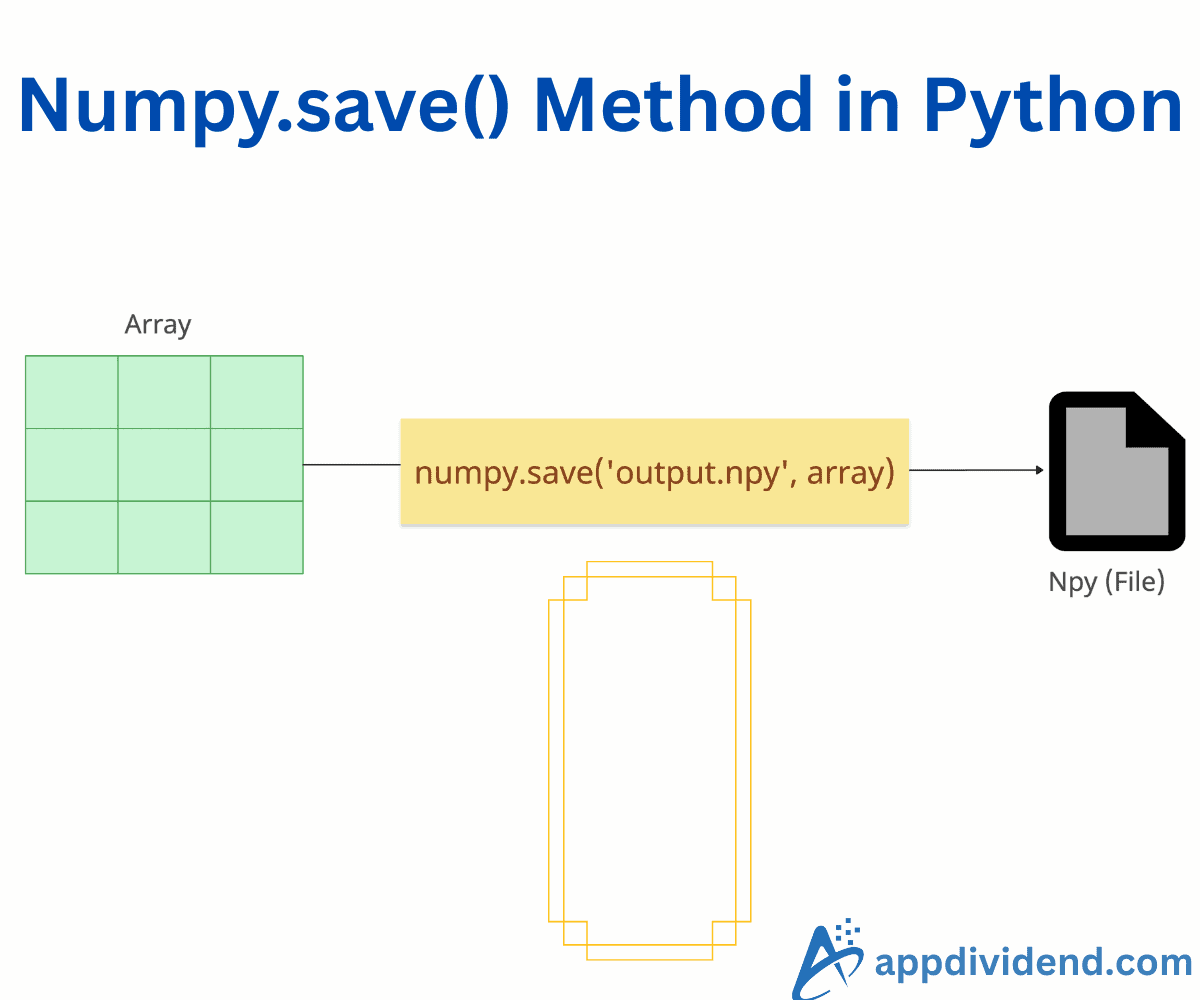
The np.save() method serializes an input single NumPy array (or array-like object) to a binary file in NumPy’s proprietary .npy format. It ensures fast, space-efficient storage while preserving essential array metadata such as shape, dtype, and endianness.
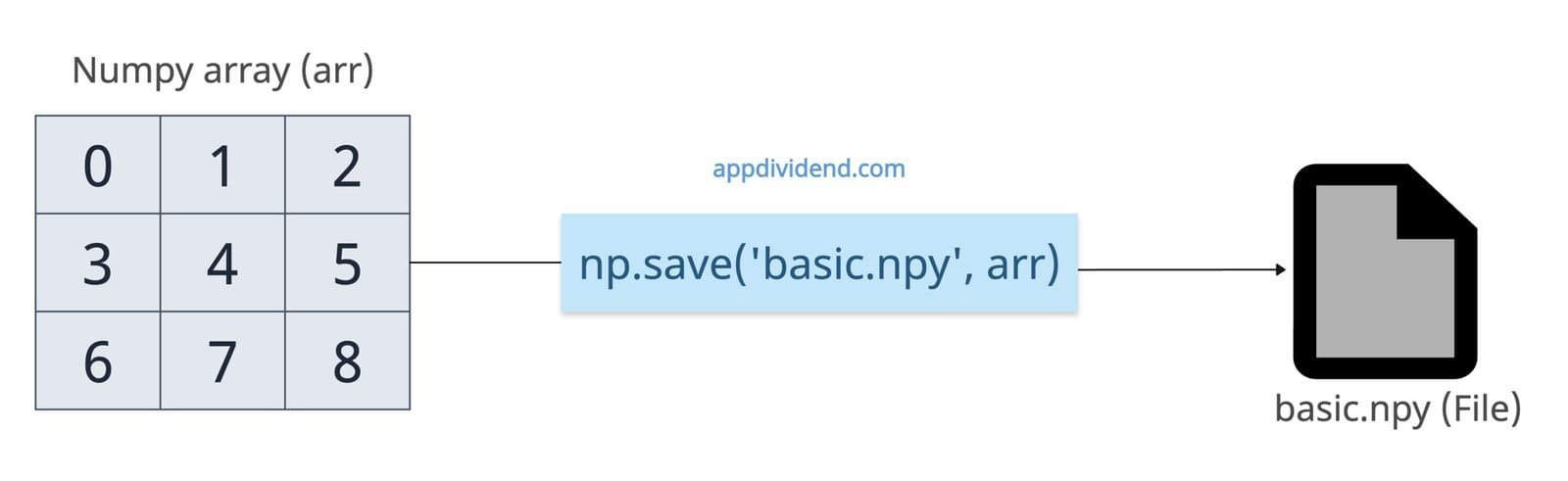
import numpy as np

arr = np.arange(9).reshape(3, 3)

np.save('basic.npy', arr)

print("Array saved to 'basic.npy'")

# Output: Array saved to 'basic.npy'
If you want to load the data from the .npy file, you can use numpy.load() method and pass this file to this method.
import numpy as np

arr = np.arange(9).reshape(3, 3)

np.save('basic.npy', arr)

loaded = np.load('basic.npy')

print(loaded)

# Output:
# [[0 1 2]
#  [3 4 5]
#  [6 7 8]]
In this code, we saved the .npy file in the current directory where our code file exists. You can change the location of the saved file based on your requirements.
From the output, you can see that it preserves shape, dtype, and data.
Syntax
numpy.save(file,
           arr,
           allow_pickle=True,
           fix_imports=True)
Parameters
| Argument | Description |
| file |
It is the target file object, filename string, or Path-like object. |
| arr |
It is an array (or convertible object) to save. |
| allow_pickle |
It enables saving object arrays (e.g., containing Python objects) via pickling. |
| fix_imports |
If you set allow_pickle=True, it maps Python 3 module names to Python 2 equivalents. |
Saving an object array (with Pickling)
If your input array contains Python objects, set allow_pickle=True (default) to serialize non-numeric elements.
Pickling allows NumPy to serialize these objects into bytes and restore them later exactly as they were.
import numpy as np

obj_arr = np.array([{'a': 1}, [2, 3], 'string'], dtype=object)

np.save('objects.npy', obj_arr, allow_pickle=True)

loaded = np.load('objects.npy', allow_pickle=True)

print(loaded)

# Output: [{'a': 1} list([2, 3]) 'string']
Disallowing pickling for security
You can prevent object serialization by passing allow_pickle to False.
import numpy as np

obj_arr = np.array([{'a': 1}, [2, 3], 'string'], dtype=object)

np.save('objects.npy', obj_arr, allow_pickle=False)

loaded = np.load('objects.npy', allow_pickle=False)

print(loaded)

# ValueError: Object arrays cannot be saved when allow_pickle=False
And we get the ValueError: Object arrays cannot be saved when allow_pickle=False error, but why?
Because allow_pickle=False prevents NumPy from serializing non-numeric elements, and that’s why non-numeric objects cannot be saved to .npy file.
Unpickling is unsafe if you load files from untrusted sources, because pickle can execute arbitrary code.
Empty array
If the array is empty and you save it as a .npy file, it won’t throw any error, create an empty file, and when you load it again, it will print the empty array with shape 0.
import numpy as np

empty_arr = np.array([])  # Shape (0,), dtype float64

np.save('empty.npy', empty_arr)

loaded = np.load('empty.npy')

print(loaded.shape, loaded.dtype)

# Output: (0,) float64
That’s all!

