

The most efficient and straightforward way to convert a Python List is by using the json.dumps() method. It accepts a list as an argument and returns a string representation of a valid JSON structure.
If you want to write JSON to a file-like object, you can use the json.dump() function.
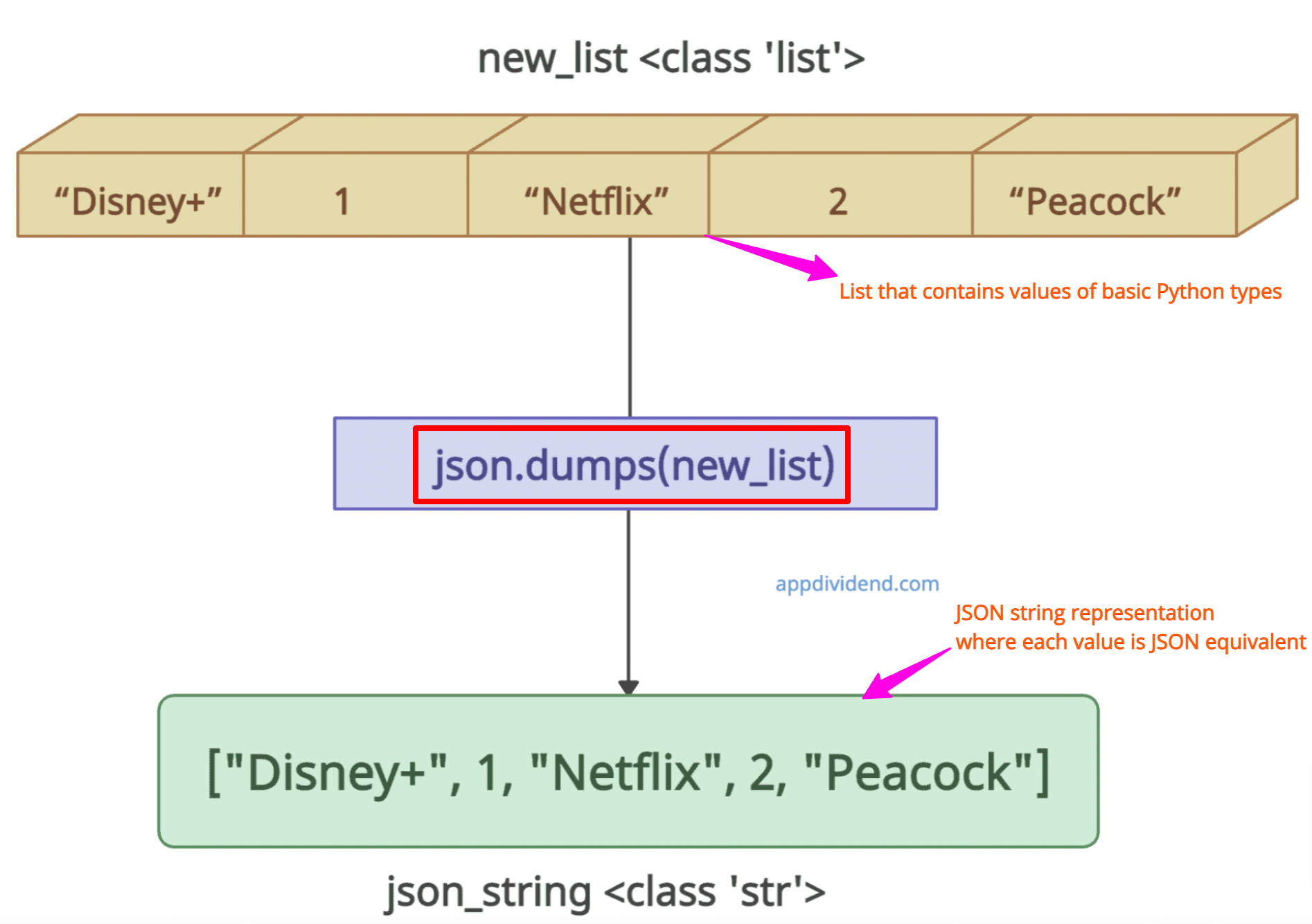
As shown in the above figure, the data type has been changed from “list” to “str” after conversion, because the JSON string is represented by str in Python.
import json

new_list = ["Disney+", 1, "Netflix", 2, "Peacock"]

print(new_list) # ['Disney+', 1, 'Netflix', 2, 'Peacock']
print(type(new_list)) # <class 'list'>

json_string = json.dumps(new_list)
print(json_string) # ["Disney+", 1, "Netflix", 2, "Peacock"]
print(type(json_string)) # <class 'str'>
In this code, you can see that we created a sample list containing various types of values.
The converted json_string is of type str, where each type is converted into JSON equivalent types.
But why do you need JSON conversion? If your Python web application needs to interact with web APIs, a standard format for data exchange is required, and that’s where JSON comes into play.
JSON is a lightweight, human-readable format that enables the easy exchange of data between different systems, even if they are written in other programming languages.
Understanding the process
Here is the step-by-step process that occurs under the hood when we use json.dumps() method on list object:
Step 1: Type mapping
The .dumps() function first checks the data type of each list element. Then, it maps built-in Python types to JSON equivalent types.
For example, a Python list becomes a JSON array; str becomes a JSON string; None becomes JSON null; int becomes a JSON number, etc.
Step 2: String conversion
Once the mapping is done, each element is converted into its string representation based on JSON syntax.
For example, integer 123 becomes string “123”, and the string “hello” becomes the string “\”hello\””, etc.
Step 3: Structure building
The final step is to assemble the string representation into a valid JSON structure.
List of Dictionaries
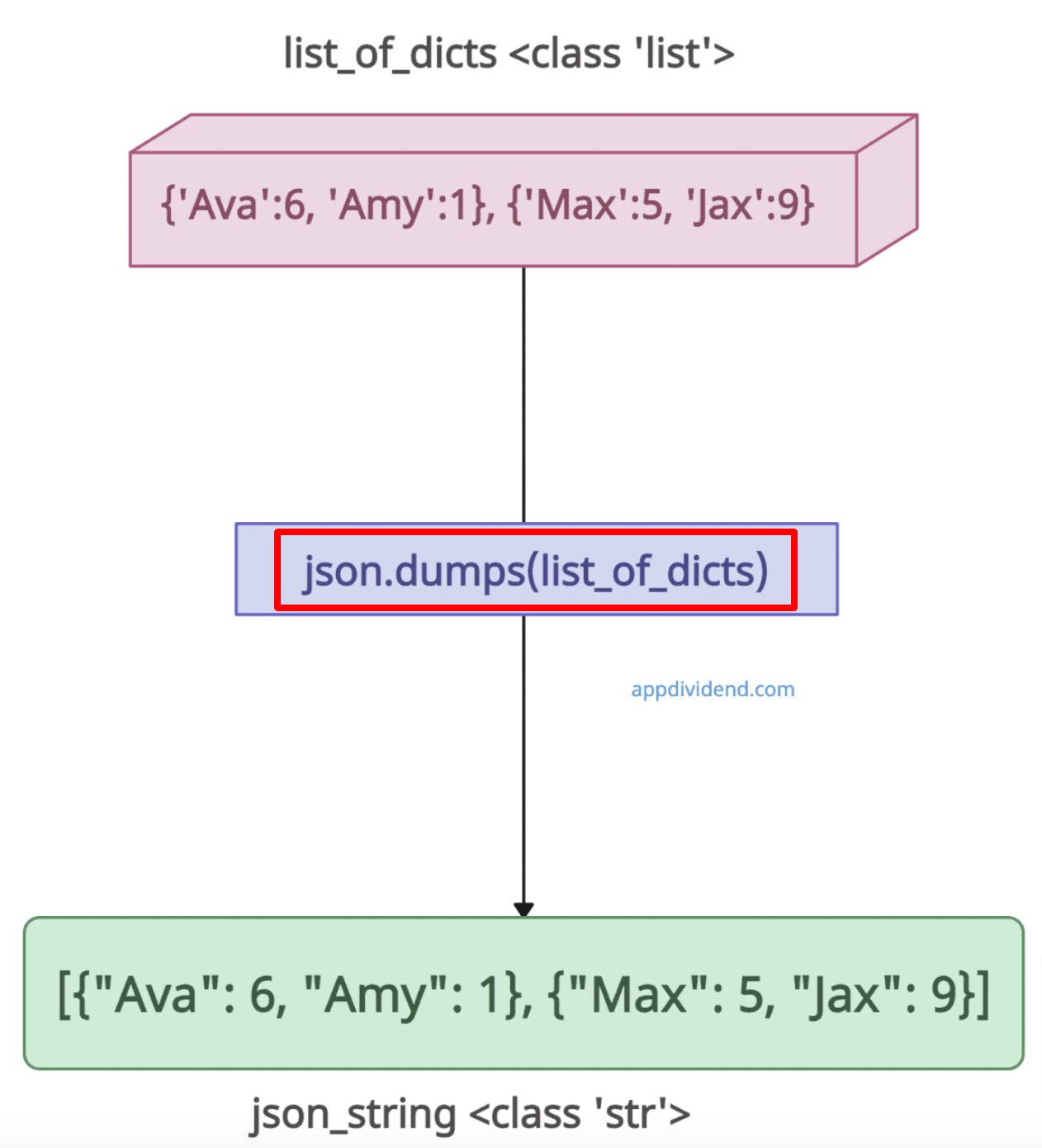
Let’s take an example where we will declare a list of different dictionaries and convert it into a json string.
import json

list_of_dicts = [{'Ava': 6, 'Amy': 1}, {'Max': 5, 'Jax': 9}]

print(list_of_dicts) # [{'Ava': 6, 'Amy': 1}, {'Max': 5, 'Jax': 9}]
print(type(list_of_dicts)) # <class 'list'>

json_string = json.dumps(list_of_dicts)

print(json_string) # [{"Ava": 6, "Amy": 1}, {"Max": 5, "Jax": 9}]
print(type(json_string)) # <class 'str'>
List of Lists

import json

list_of_lists = [[19, 21], [11, 18], [46]]

print(list_of_lists) # [[19, 21], [11, 18], [46]]
print(type(list_of_lists)) # <class 'list'>

json_str = json.dumps(list_of_lists)

print(json_str) # "[[19, 21], [11, 18], [46]]"
print(type(json_str)) # <class 'str'>
Writing json to a file
The json.dump() method takes the list and the file object and writes to the file in JSON format.
import json

new_list = ["Disney+", 1, "Netflix", 2, "Peacock"]

with open('list_data.json', 'w') as f:
    json.dump(new_list, f)
print("The list has been written to the JSON file.")
Output

The list has been written to the JSON file.
That’s it

