

JavaScript String toUpperCase() method converts a string to uppercase letters and returns a new string with all characters in uppercase. It does not change the original string.
It can handle Unicode characters, including those outside the ASCII range.
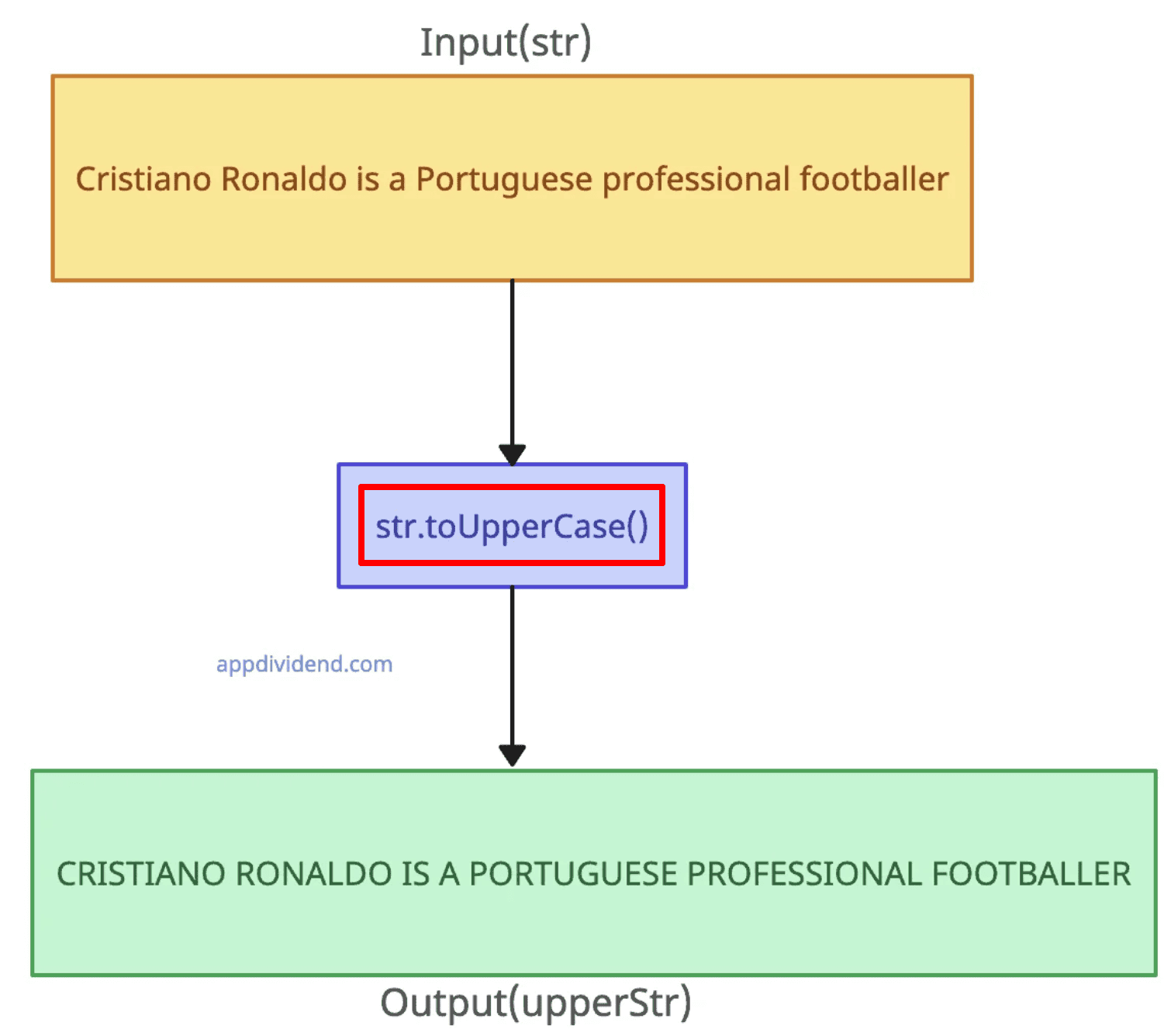
let str = 'Cristiano Ronaldo is a Portuguese professional footballer';

upperStr = str.toUpperCase();

console.log(upperStr);

// Output: CRISTIANO RONALDO IS A PORTUGUESE PROFESSIONAL FOOTBALLER
Syntax
string.toUpperCase()
Parameters
None: It accepts no arguments.
Using special characters and digits
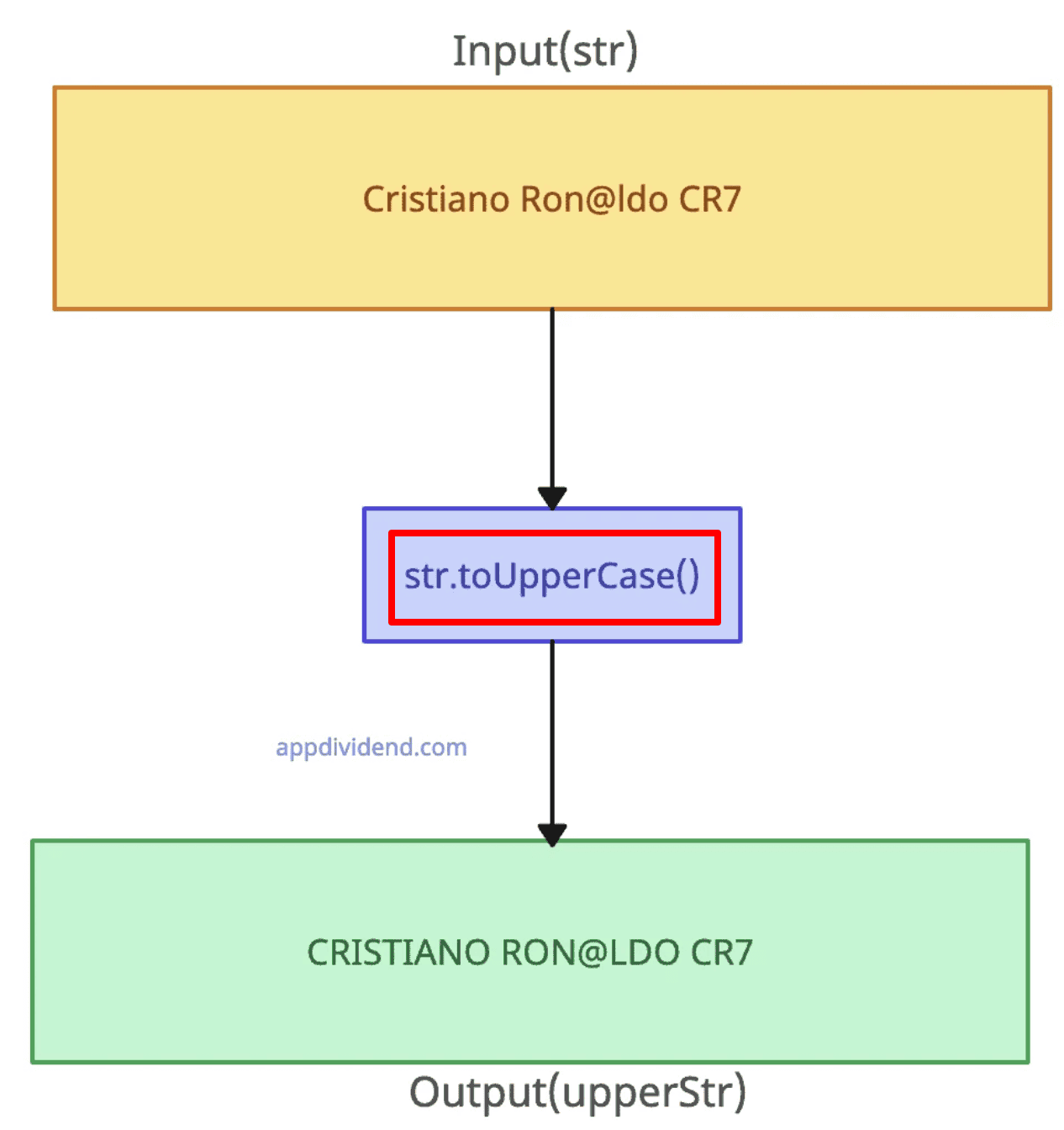
The toUpperCase() method only affects alphabetic characters. Digits and special characters remain unchanged.
let str = 'Cristiano Ron@ldo CR7';

upperStr = str.toUpperCase();

console.log(upperStr);

// Output: CRISTIANO RON@LDO CR7
Converting only the first letter of a string
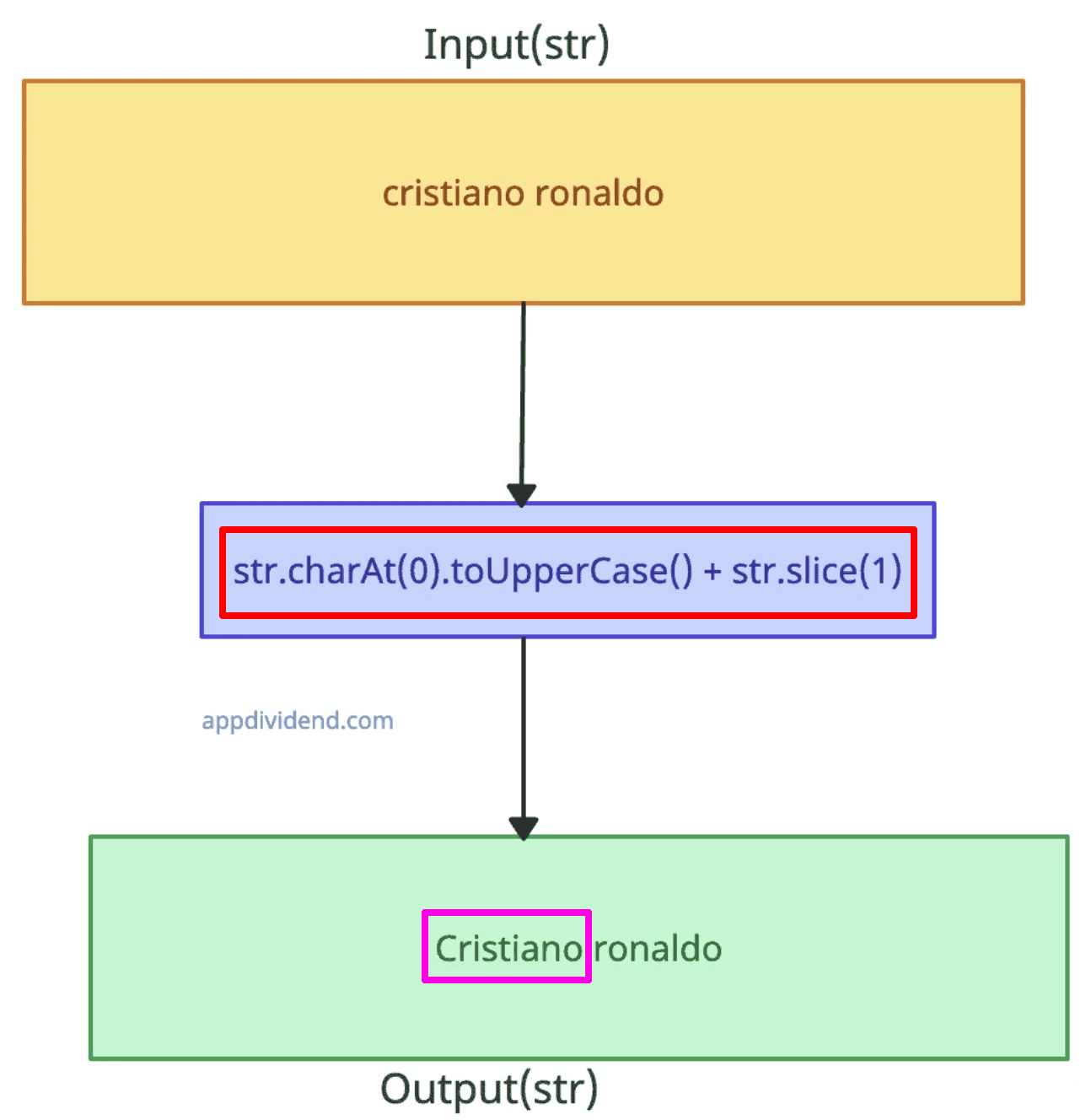
To convert the first letter of a string to uppercase, you can use the “charAt()” method together with “toUpperCase()” and then concatenate this with the rest of the string using “slice()”.
let str = "cristiano ronaldo";

str = str.charAt(0).toUpperCase() + str.slice(1);

console.log(str);

// Output: Cristiano ronaldo

To convert the first letter of every word in a string to uppercase, you can split the string into words, converting the first letter of each word to uppercase, and then joining the words back together.
let str = "cristiano ronaldo";

str = str.split(' ')
  .map(word => word.charAt(0).toUpperCase() + word.slice(1))
  .join(' ');

console.log(str);

// Output: Cristiano Ronaldo
Unicode characters
 If the input string contains non-ASCII characters, the method handles correctly and does not throw any error.
Let’s use a German word and convert it into uppercase correctly.
const unicode_str = "straße"; // German "street"

console.log(unicode_str.toUpperCase());

// Output: "STRASSE"
Locale-Specific behavior
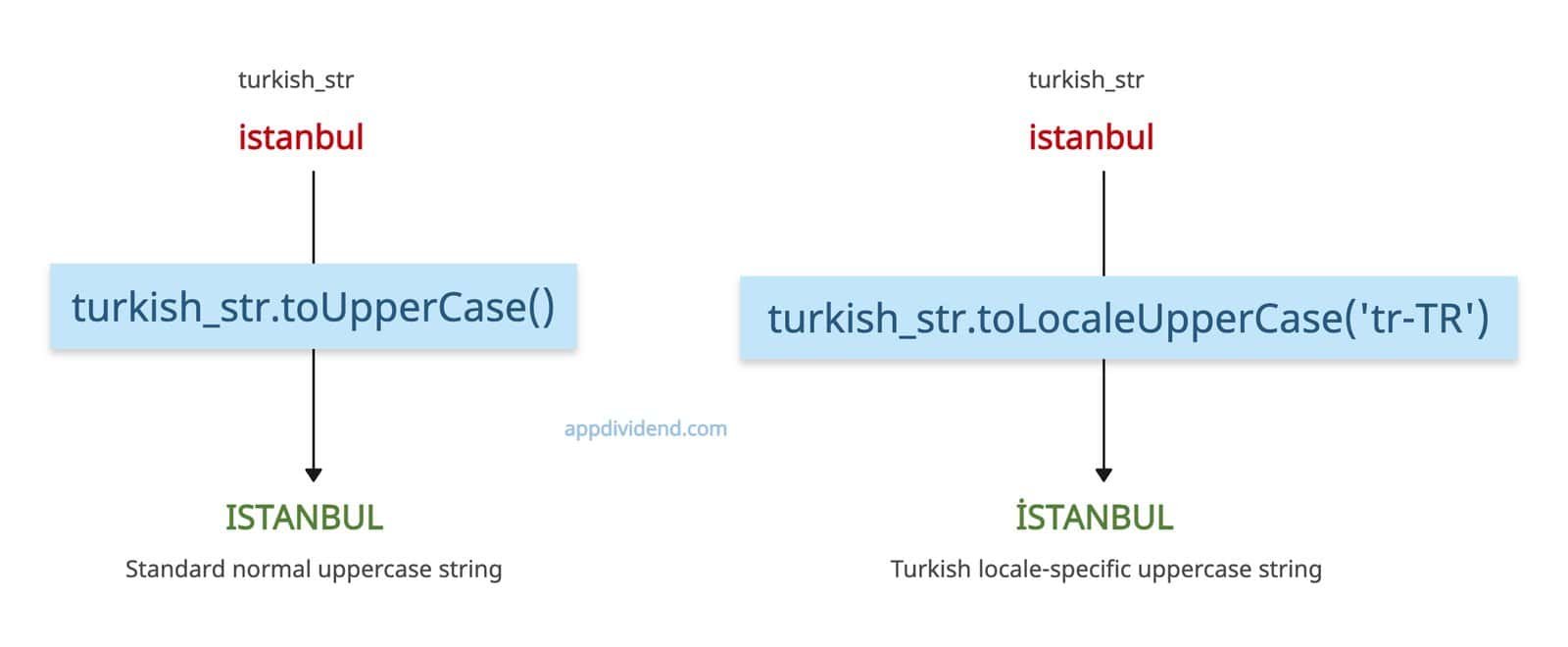
What if you want to translate words based on the specific locale? For example, let’s translate the word into the Turkish specific locale. Can we achieve that through string.toUpperCase()? Well, no, for that, we need to use the string.toLocaleUpperCase(‘tr-TR’) method.
Let me show you the difference between these two methods:
turkish_str = 'istanbul'

// Turkish 'i' without locale handling
console.log(turkish_str.toUpperCase());

// Output: 'ISTANBUL' (standard)

// Using locale-sensitive method
console.log(turkish_str.toLocaleUpperCase('tr-TR'));

// Output: 'İSTANBUL'
You can see the clear difference between “I” and “İ”. Both are different characters, and the second one is based on the locale translation, which is what we want.
Empty string
When you apply the toUpperCase() method to an empty string, it returns an empty string.
const empty = "";

console.log(empty.toUpperCase());

// Output: ""
Non-String input
If you pass non-string input, it will throw: TypeError: obj.toUpperCase is not a function error.
const num = 123;

console.log(num.toUpperCase());

// Output: TypeError: num.toUpperCase is not a function
It is better to check if the input is a string before applying the method to prevent this type of error.
Null or Undefined
It throws a TypeError if you call it on null or undefined.
try {
   console.log(null.toUpperCase());
} catch (e) {
   console.log(e.message);
   // Output: Cannot read properties of null (reading 'toUpperCase')
}
That’s all!

