
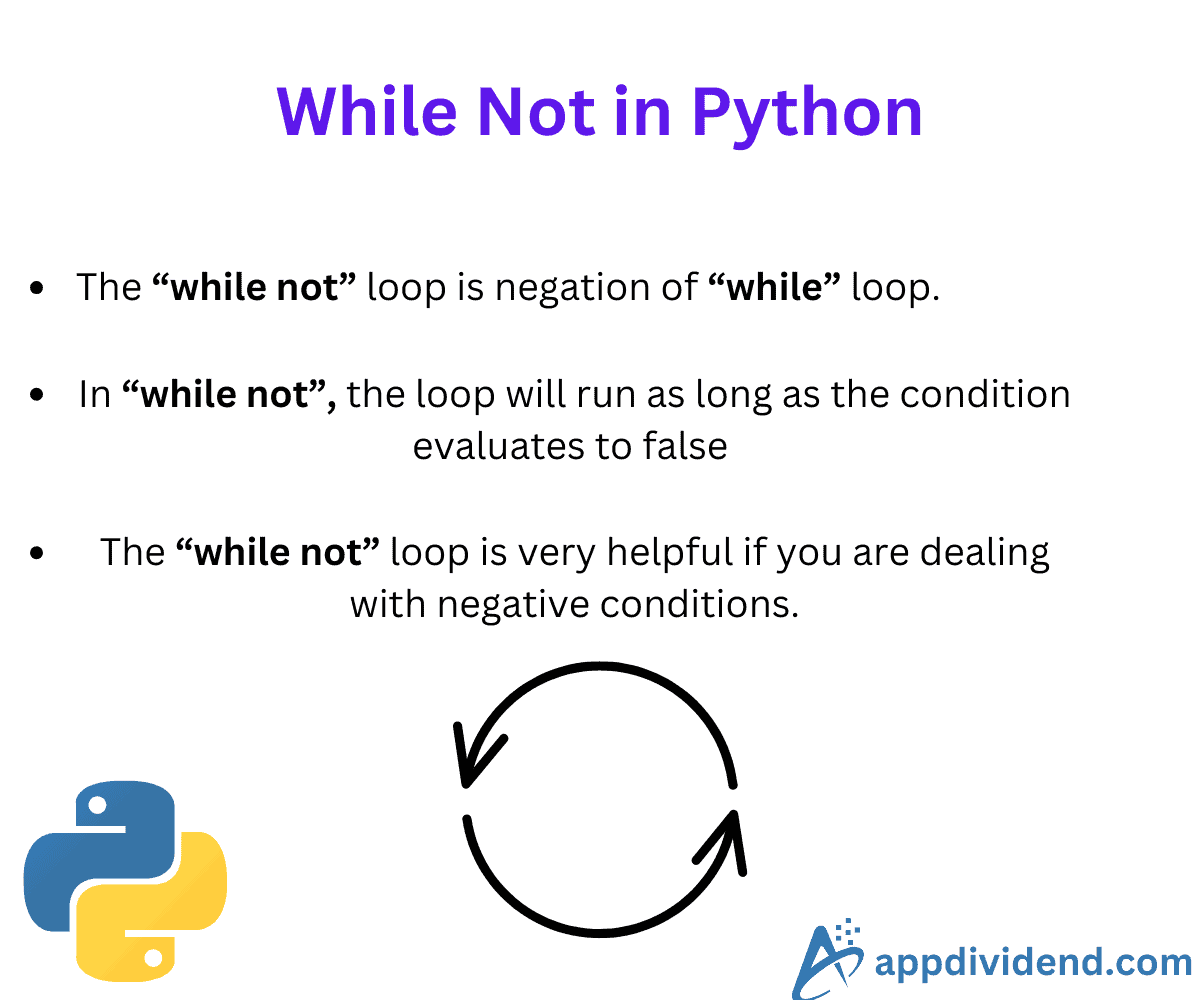
The while not is a variation of the while loop that continues to execute a block of code as long as a specified condition is false in Python. It works exactly the opposite of a while.
While not statement makes the code easier to understand and allows the process to repeat until our condition is met, then break the loop and stop the process.
Syntax
while not condition:
    # code to execute
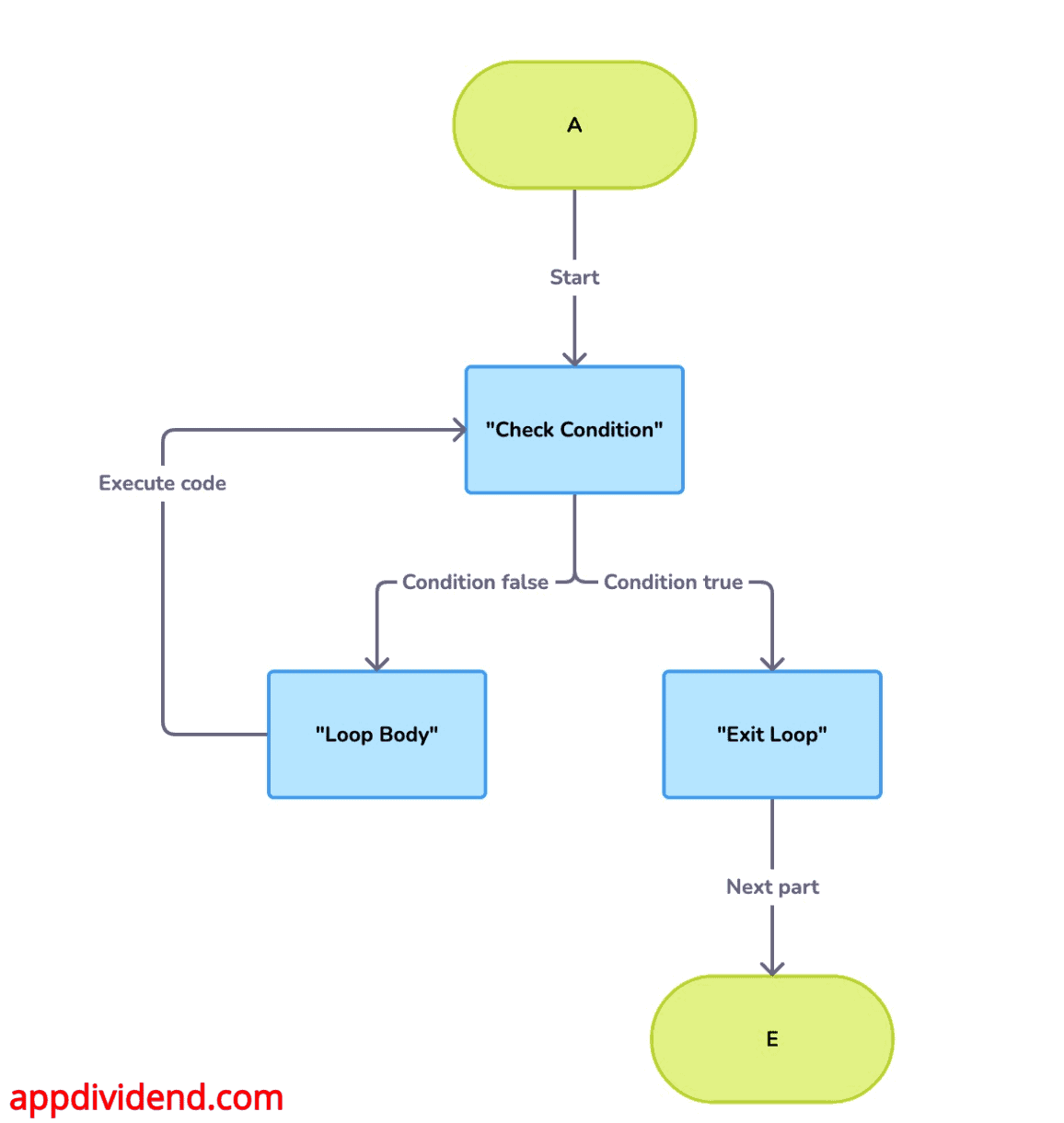
Flowchart
Waiting for user input
correct_answer = False

while not correct_answer:
    user_input = input("What's 2 + 2? ")
    if user_input == "4":
        correct_answer = True
    else:
        print("Incorrect. Try again.")

print("Correct!")
Output
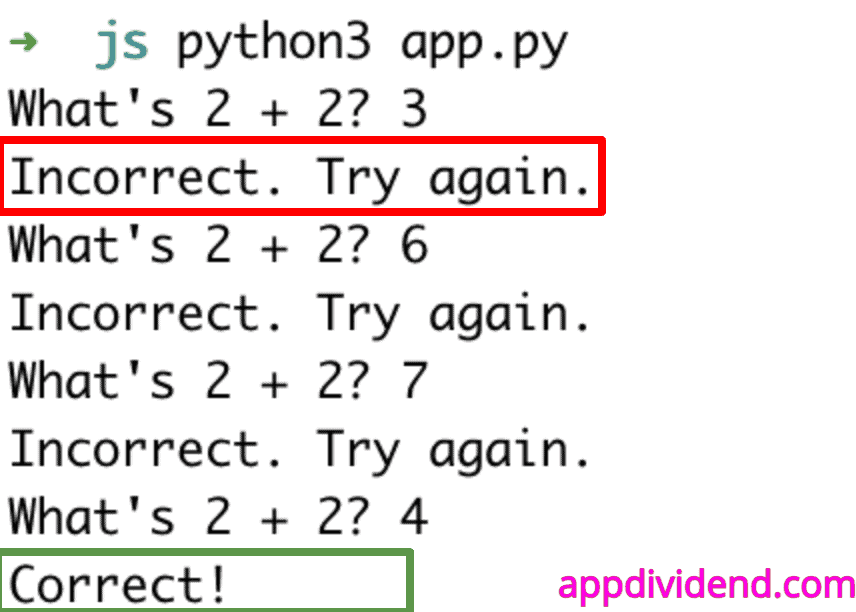
The screenshot above shows us repeatedly prompting users until they provide a correct answer.
Expanding a list
The while not statement enables us to expand a list until a certain breakpoint is reached.
listA = [1, 2, 3]

while 7 not in listA:
  listA.append(len(listA) + 1)

print(listA)
Output
[1, 2, 3, 4, 5, 6, 7]
In this code, we added four new elements because we put a condition that, until a length of 7 is reached, we will add a new element with an incremental value from the previous one. So, when it reaches 6, it will add 7, and when it reaches 7, it will break the loop and print the list.
Using with a break
The break statement exits a loop prematurely when a certain condition is met.
x = 5

while not (x == 0):
    print(x)
    x = x - 1
    if x <= 2:
        break
Output
5
4
3
Usage with continue
The continue statement skips the current iteration of a loop and proceeds to the next iteration.
x = 5

while not (x == 0):
    x = x - 1
    if x == 3:
        continue
    print(x)
Output
4
2
1
0
That’s it!

