

Selecting a random element(s) from a list provides randomness for test data generation, simulation, and unpredictability in testing.
Here are different ways to select a random item from a list in Python:
Method 1: Using the random.choice()
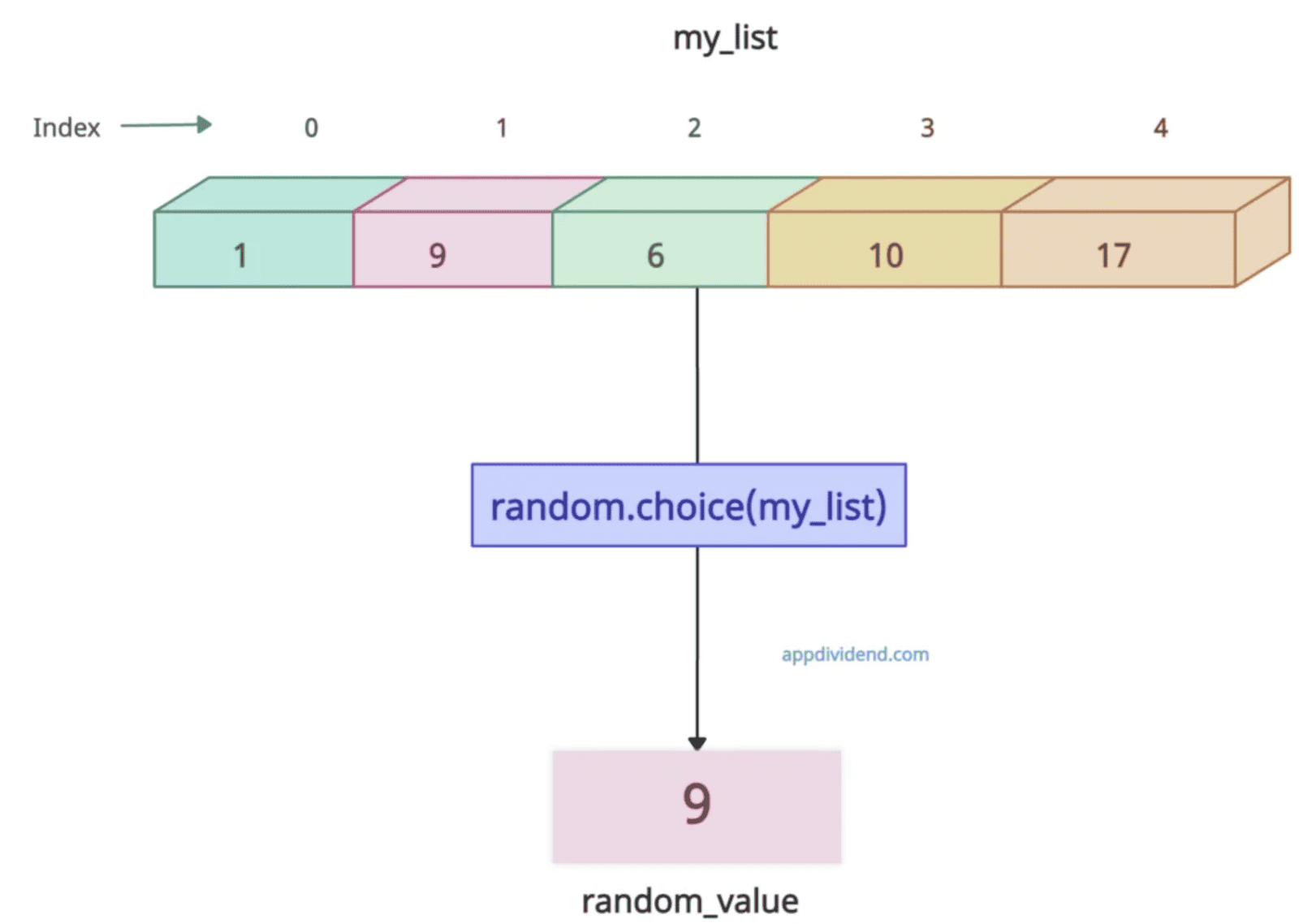
The most straightforward method is to use random.choice(), which picks one random element from a non-empty sequence.
import random

my_list = [1, 9, 6, 10, 17]

print(my_list)
# Output: [1, 9, 6, 10, 17]

random_value = random.choice(my_list)

print(random_value)
# Output: 9
You can see that it selects element 9 from the list and returns it. If you rerun the code above, it will return a different element each time.
Empty sequence
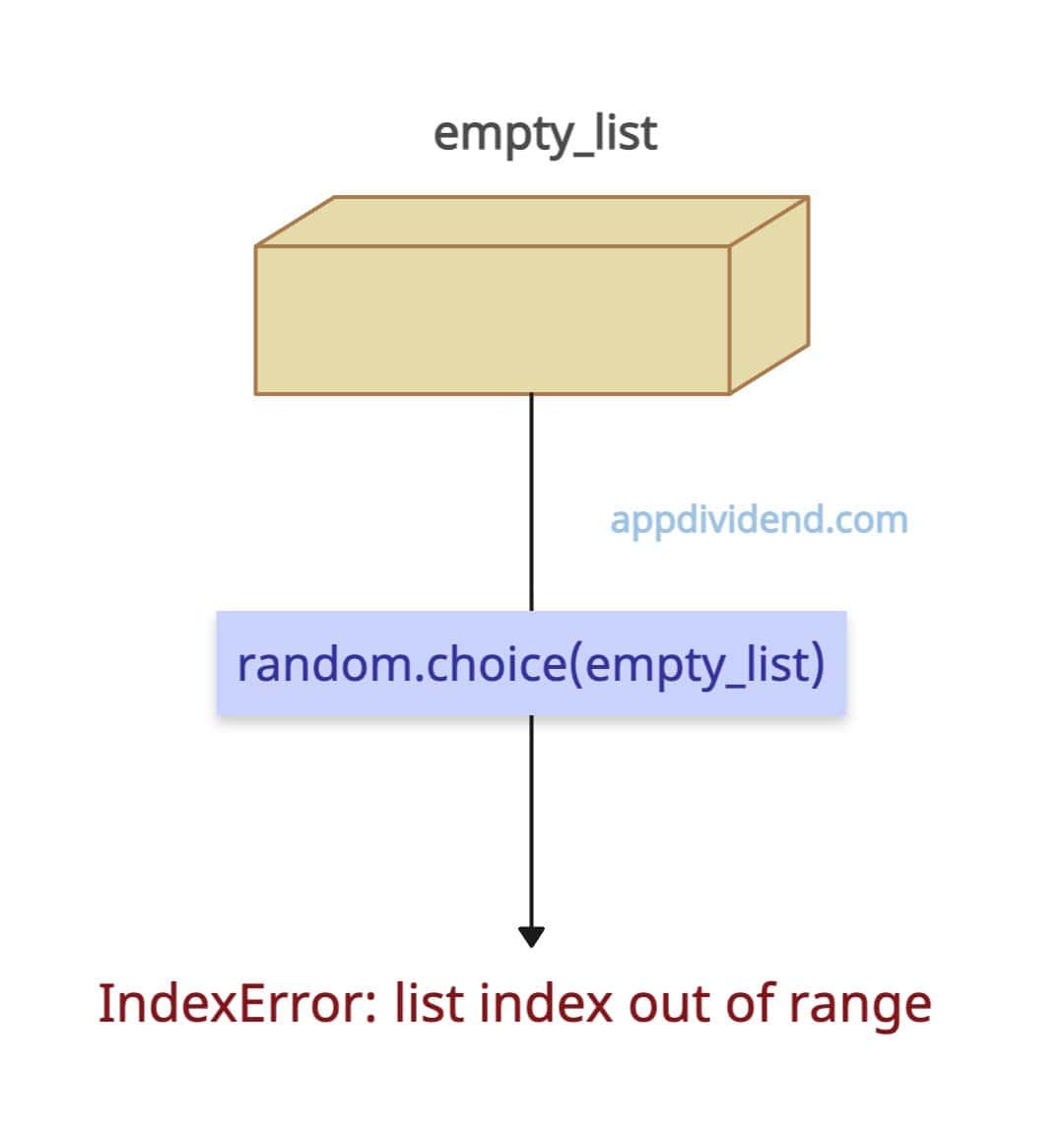
The list you are passing to the random.choice() method should not be empty. If it is, it throws IndexError: list index out of range exception because there is nothing to pick.
import random

empty_list = []

print(empty_list)
# Output: []

random_value = random.choice(empty_list)

print(random_value)

# IndexError: list index out of range
To avoid the IndexError, you can modify the code and return None in case of an empty list.
import random

empty_list = []

print(empty_list)

# Output: []

random_value = random.choice(empty_list) if empty_list else None

print(random_value)

# Output: None
The time and space complexity is O(1). However, this approach is not cryptographically secure.
Method 2: Using secrets.choice()
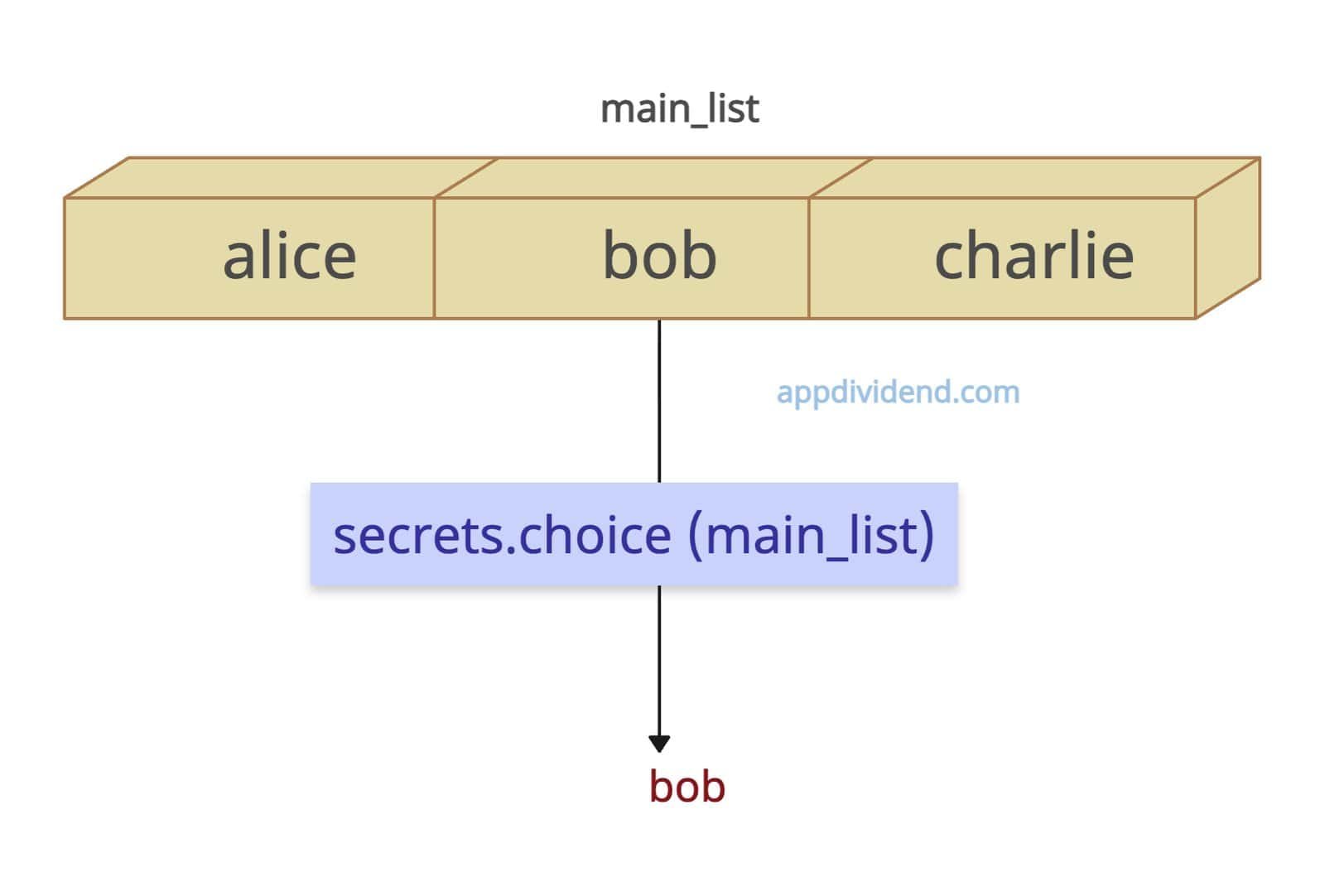 The secrets.choice() method is useful when you want a secure random selection (e.g., passwords, tokens, security keys). It uses OS-level entropy (cryptographically strong).
import secrets

main_list = ['alice', 'bob', 'charlie']

secure_item = secrets.choice(main_list)

print(secure_item)

# Output: bob
It is more secure than random.choice() method and only use it when you are dealing with a list that contains secure credentials and tokens.
Method 3: Using the random.choices()
What if you want to pick one or more random elements with replacement and supporting weights? In that case, you can use the random.choices() method. It can simulate the biased dice and weighted load balancing or bootstrapping (Sampling with replacement).
The random.choices() method is similar to the random.sample() method, but it returns a new list containing a specified number of elements from a list, allowing duplicates.
Let’s define the first list (fruits) containing our main elements, and the second list (weights) defining the weightage of those elements.
import random

fruits = ['apple', 'banana', 'cherry']

# Weighted random choice
weights = [10, 1, 1]  # apple 10x more likely

random_elements = random.choices(fruits, weights=weights, k=3)

print(random_elements)

# Output: ['apple', 'apple', 'cherry']
From the above code, the element apple has a weight of 10, the banana has a weight of 1, and the cherry has a weight of 1.
How will you interpret this? It means, element apple has 10 times chance of appearing as a random element in the final list. Banana and cherry have a 1x chance of appearing in the final list. Since we are selecting multiple elements, the output is a list.
After executing the code, the output list is [‘apple’, ‘apple’, ‘cherry’]. Meaning, it has three elements. One element is a duplicate. Why does it return only three elements? Because in the random.choices() method, we passed k=3.
Method 4: Using random.sample()
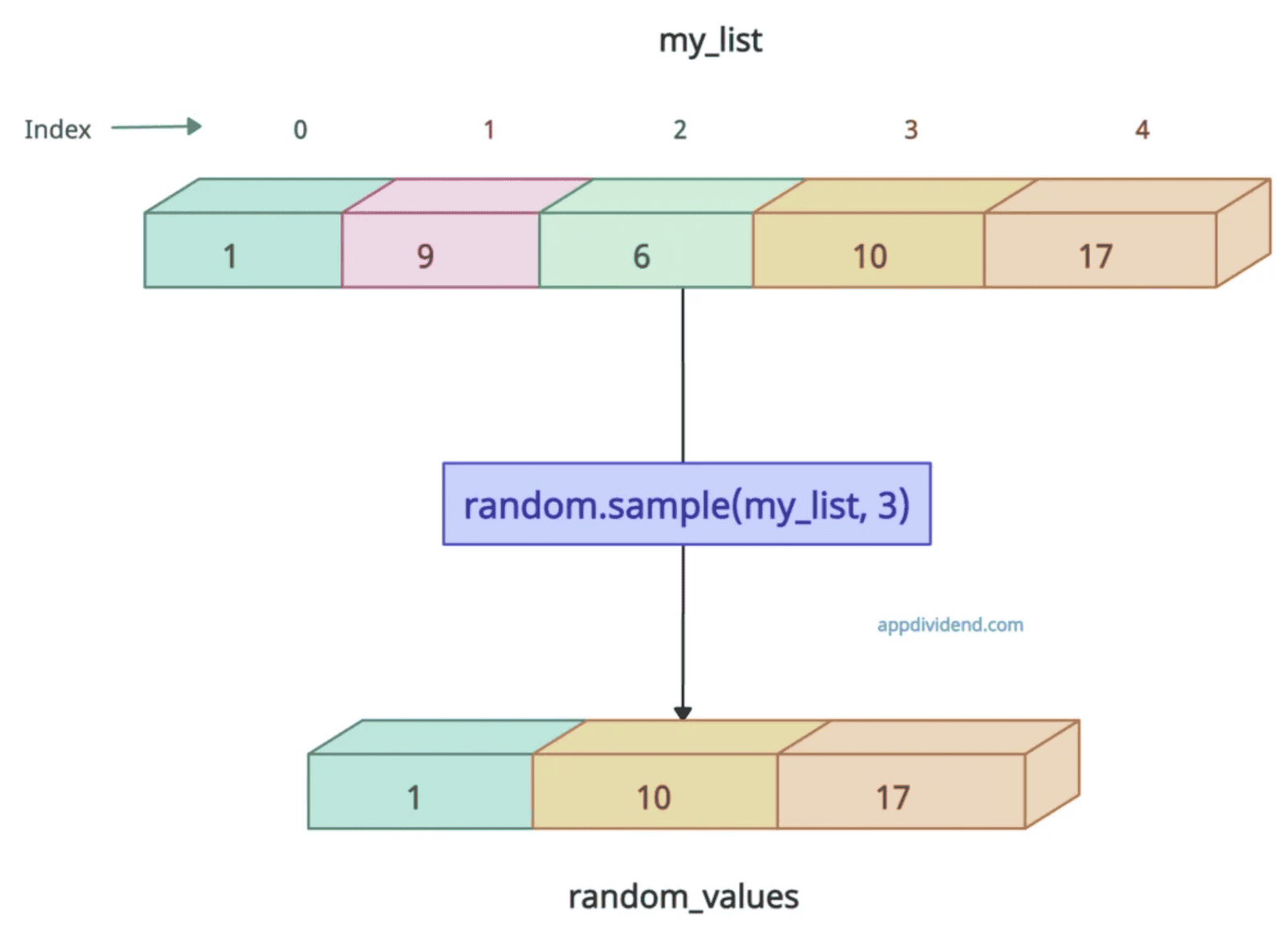
To select multiple random elements from a list, use the random.sample() method. It returns a new list containing a specified number of unique elements from a list.
import random

my_list = [1, 9, 6, 10, 17]

print(my_list)
# Output: [1, 9, 6, 10, 17]

random_values = random.sample(my_list, 3)

print(random_values)
# Output: [1, 10, 17] (example output; actual output may vary)
Method 5: Using numpy.random.choice()
If you are working with NumPy arrays, you can use the numpy.random.choice() method. It takes a 1D array-like object or a NumPy array and returns a randomly selected element from it.
import numpy as np

my_arr = np.array([1, 9, 6, 10, 17])

print(my_arr)
# Output: [ 1  9  6 10 17]

random_value_from_array = np.random.choice(my_arr)

print(random_value_from_array)
# Output: 9
Method 6: Using random.randrange()
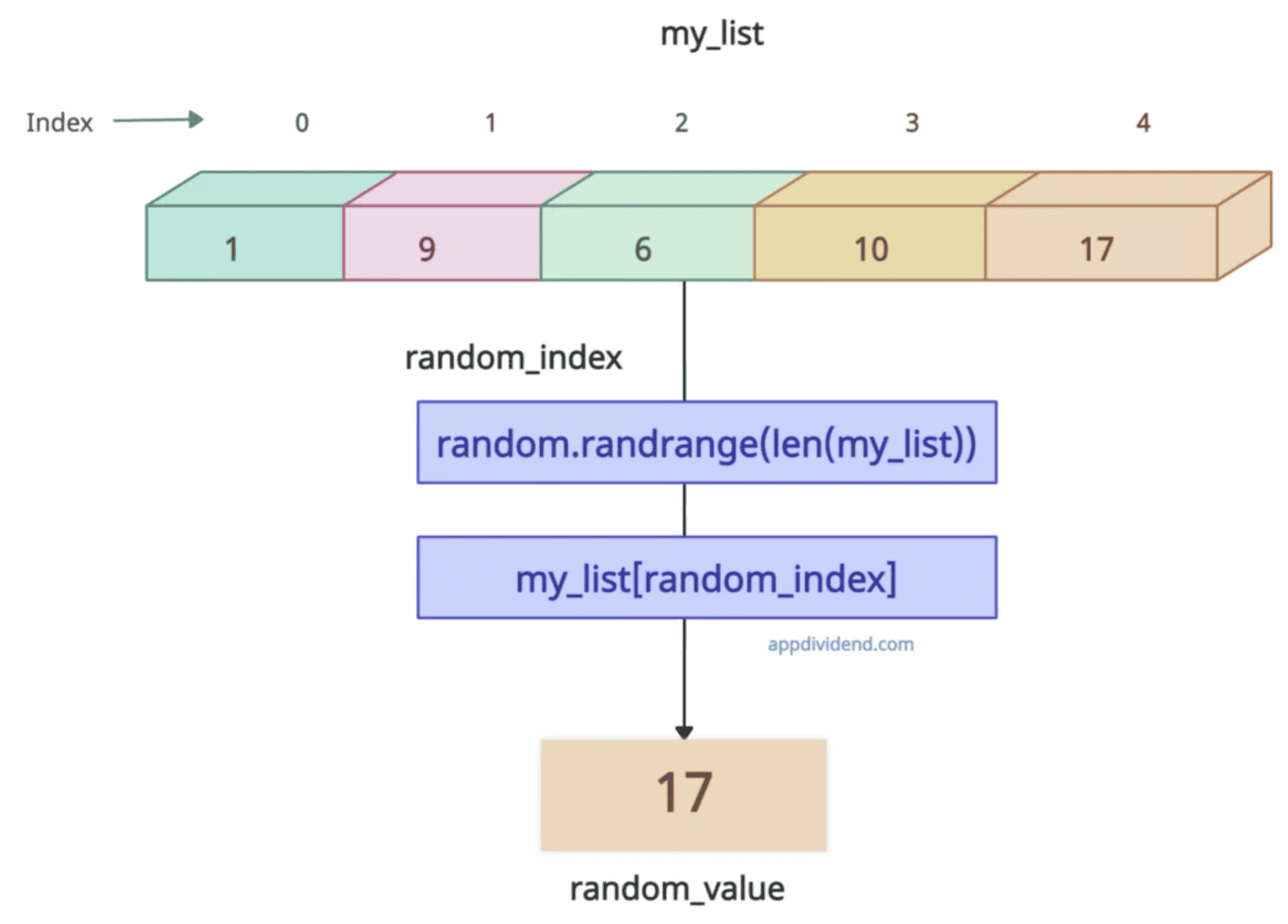
The random.randrange() function generates a random integer within a specified range and can be used as an index to access a list element.
import random

my_list = [1, 9, 6, 10, 17]

print(my_list)

random_index = random.randrange(len(my_list))

random_value = my_list[random_index]

print(random_value)

# Output: 17
Method 7: Using the random.randint()
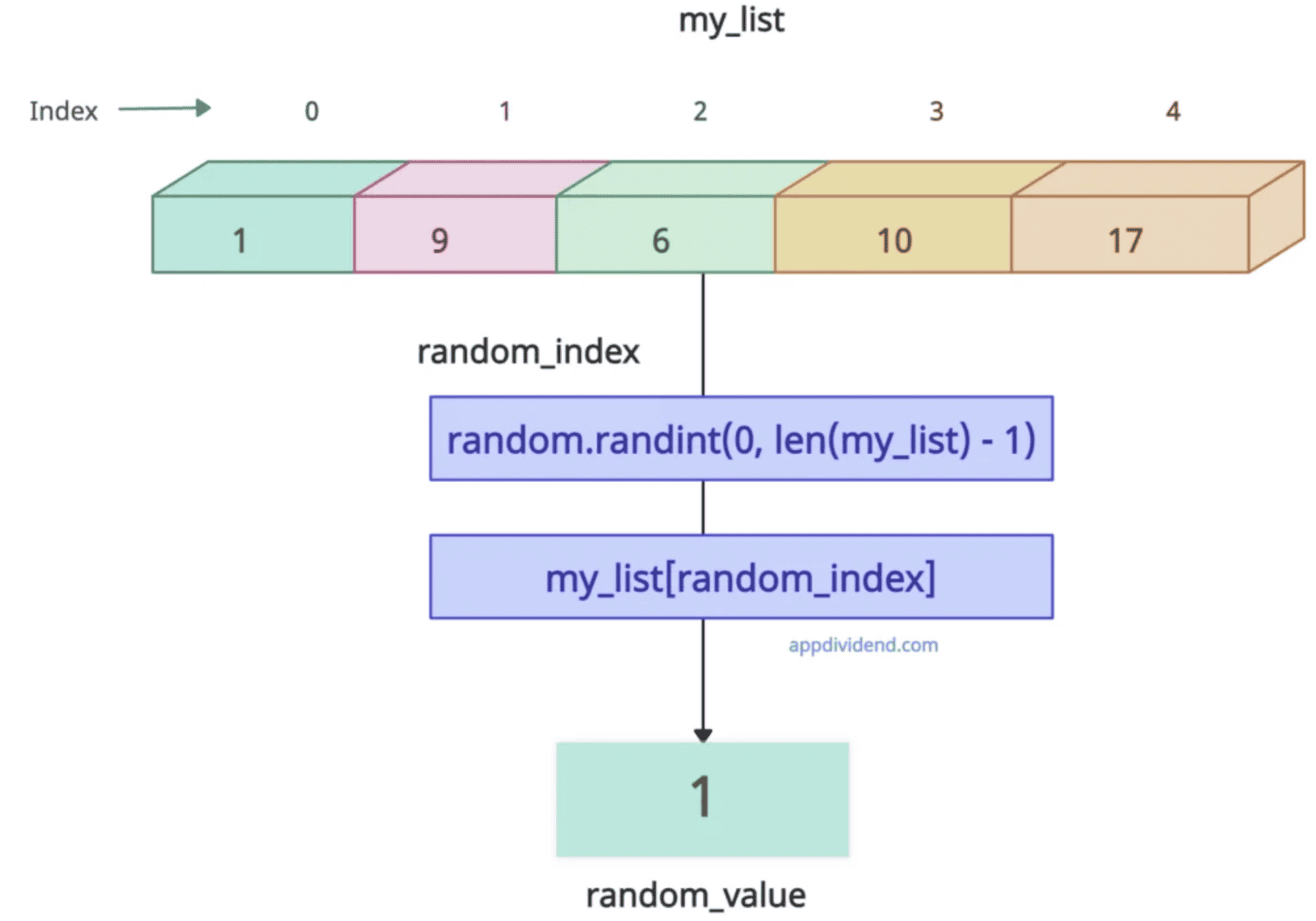
The random.randint() method is beneficial when you need both the random value and its index. It returns a random integer N such that a <= N <= b, ensuring the index is within the list’s valid range.
import random

my_list = [1, 9, 6, 10, 17]

print(my_list)
# Output: [1, 9, 6, 10, 17]

random_index = random.randint(0, len(my_list) - 1)

random_value = my_list[random_index]

print(random_value)
# Output: 1
That’s all!

