
Flushing output forces Python to immediately write text to the console, file, or stream without waiting for the internal buffer to fill. By default, interpreter buffers output, meaning printed text may not appear immediately.
Method 1: Use print(…, flush=True)
The recommended and efficient way to flush the output in Python is to use the print(“…”, flush=True) function. It is a clean and safe approach.
import time

for i in range(5):
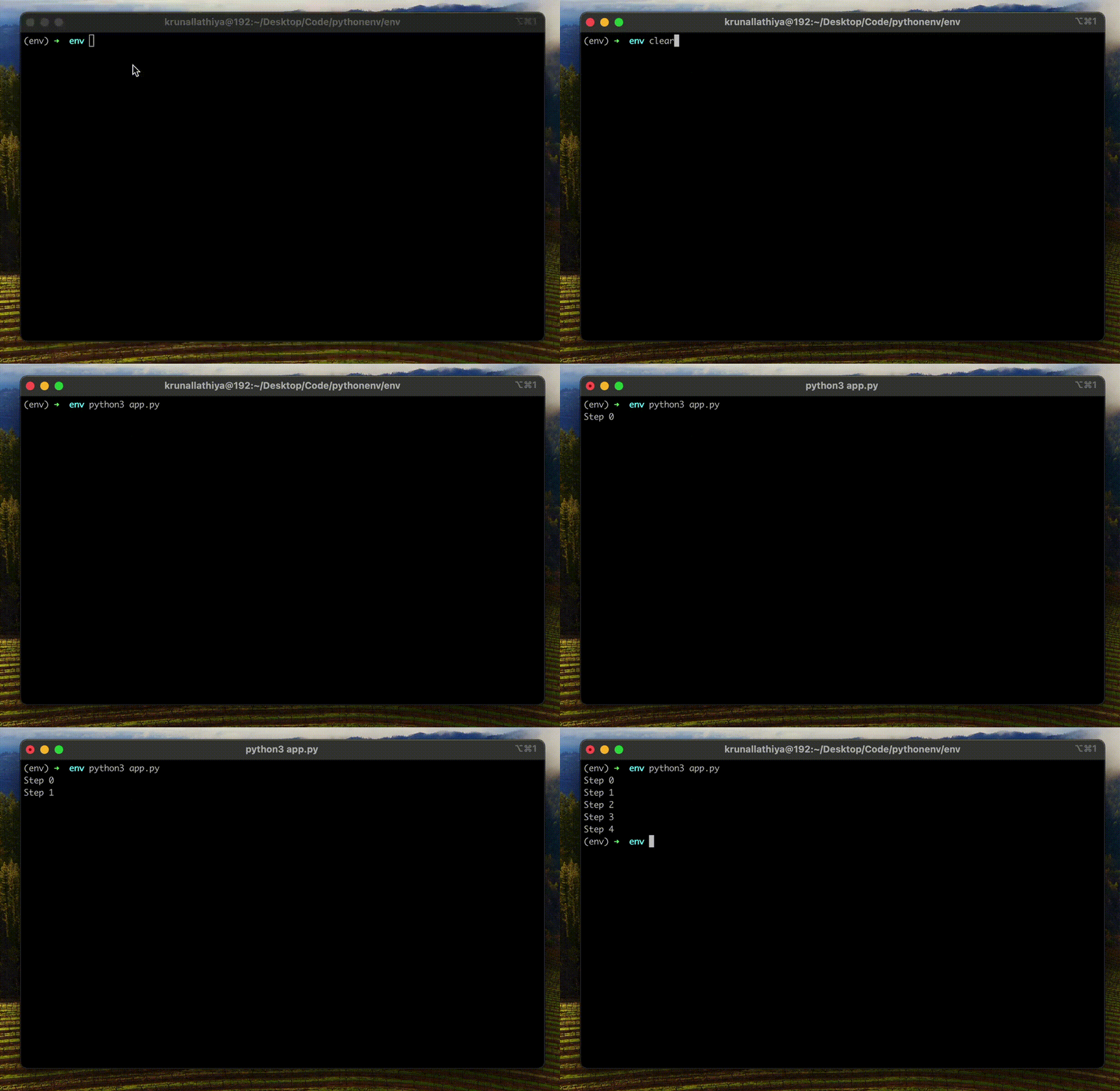
    print(f"Step {i}", flush=True)
    time.sleep(1)

# Output:
# Step 0
# Step 1
# Step 2
# Step 3
# Step 4
Method 2: Manual flush using sys.stdout.flush()
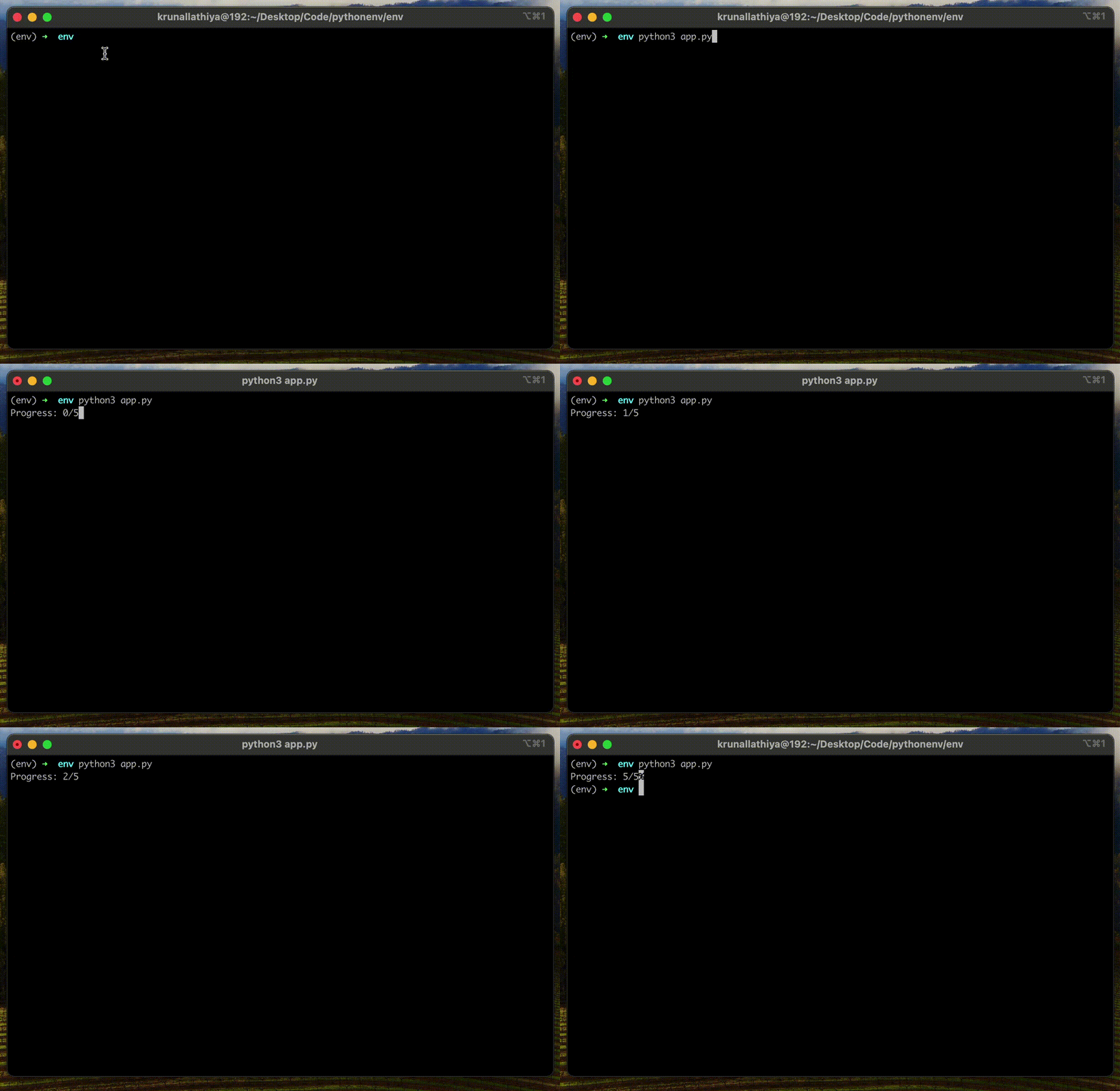
When you need more control, such as customizing formatting or printing without a newline, you can opt for sys.stdout.flush() method. It is helpful when you want to overwrite the text in place.
import sys
import time

for i in range(6):
    sys.stdout.write(f"\rProgress: {i}/5")
    sys.stdout.flush()
    time.sleep(1)

# Output:
# Progress: 5/5
The main advantage of this method is that it works for stdout, stderr, and file streams. It also allows partial line flushing.
That’s all!

