
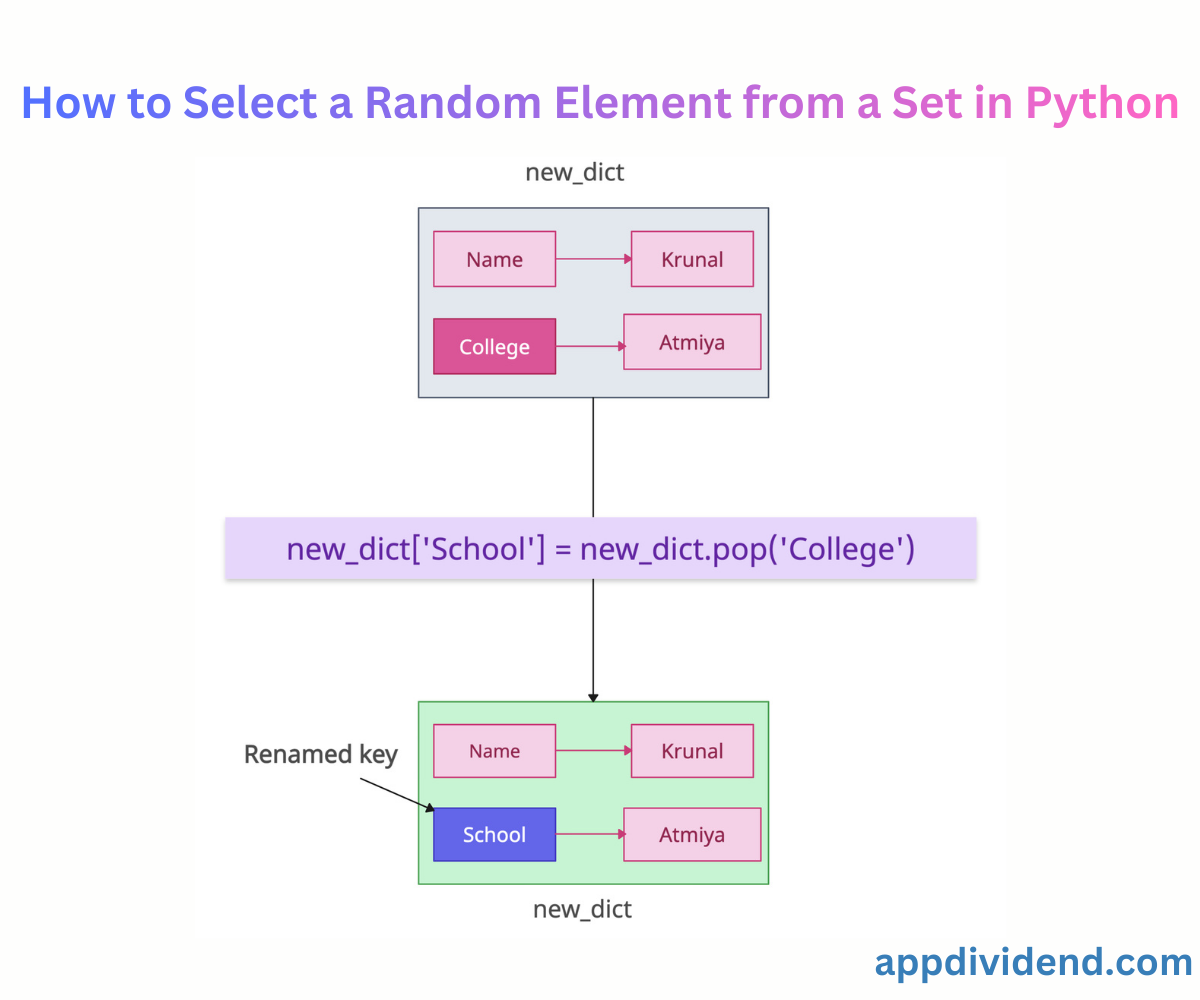
Whether you are processing external APIs or transferring data between different systems, standardizing dictionary keys when processing APIs prevents bugs.
Here are multiple ways, depending on whether you want to change the name of a single key or multiple keys:
Method 1: Using dict.pop() and reassign
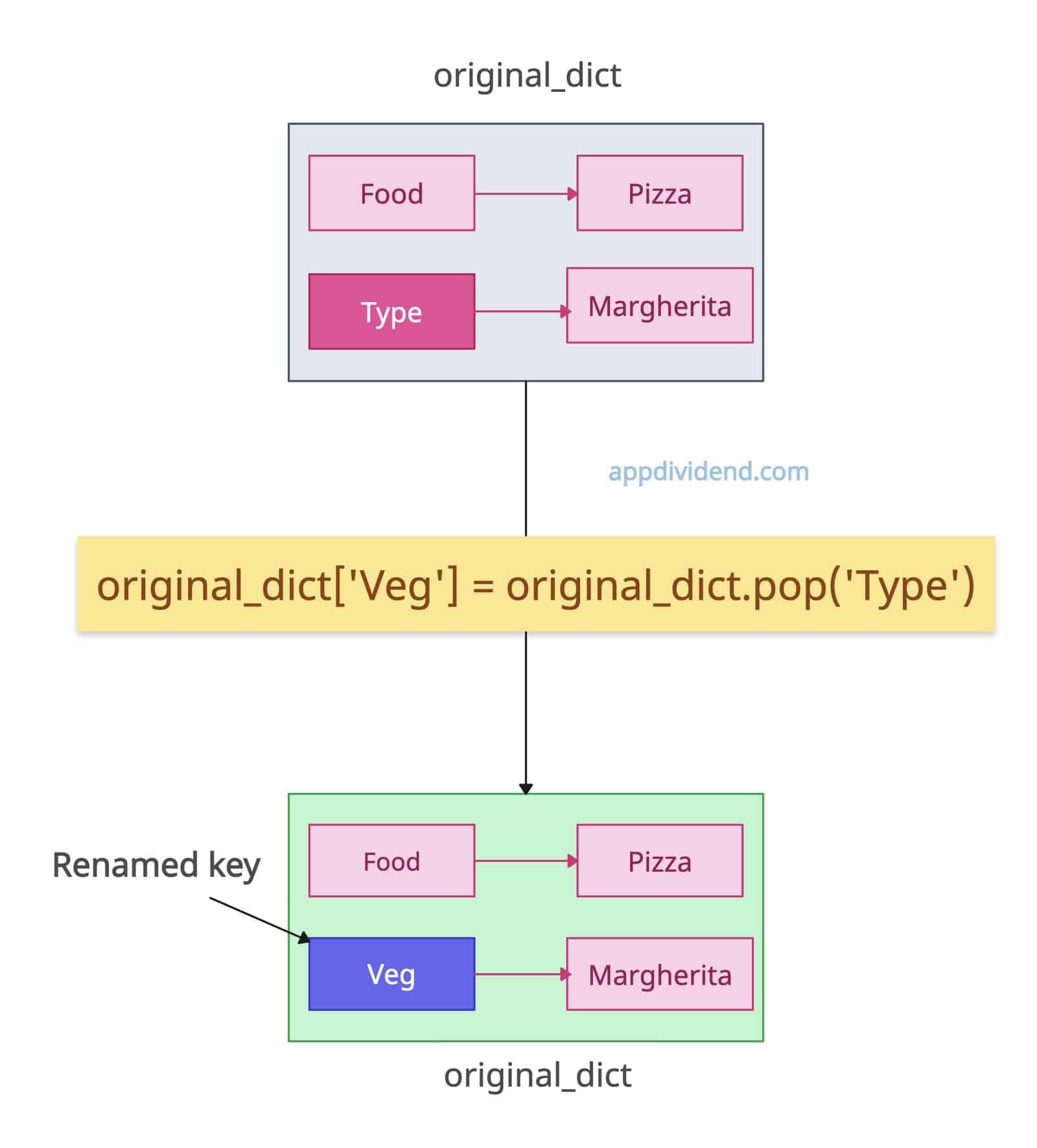
The most Pythonic and efficient way to change the name of a single key of a dictionary is to use the dict.pop() method. The pop() method removes a key and captures its value, then assigns that value to the new key.
Both deletion and reassignment operations have O(1) complexity. They are atomic and safe because no intermediate dictionary is required.
original_dict = {'Food': 'Pizza', 'Type': "Margherita"}

print("Before renaming:", original_dict)

# Output: Before renaming: {'Food': 'Pizza', 'Type': 'Margherita'}

original_dict['Veg'] = original_dict.pop('Type')

print("After renaming:", original_dict)

# Output: After renaming: {'food': 'Pizza', 'Veg': 'Margherita'}
We changed the key from “Type” to “Veg”, while the value remains the same. Now, the updated dictionary is {‘food’: ‘Pizza’, ‘Veg’: ‘Margherita’}. It also preserves the insertion order.
Method 2: Using Dictionary Comprehension (Multiple Keys)
Dictionary comprehension renames multiple keys at once without a manual loop. In one shot, it renames multiple keys at once without a manual loop.
original_dict = {'food': 'Pizza', 'Type': "Margherita", 'Size': 'Medium', 'Price': 12.99}

print("Before renaming:", original_dict)
# Output: Before renaming: {'food': 'Pizza', 'Type': 'Margherita', 'size': 'Medium', 'price': 12.99}

rename_map = {
    'Type': 'Veg',
    'Size': 'Length',
    'Price': 'Cost'
}

original_dict = {rename_map.get(k, k): v for k, v in original_dict.items()}

print("After renaming:", original_dict)
# Output: After renaming: {'food': 'Pizza', 'Veg': 'Margherita', 'Length': 'Medium', 'Cost': 12.99}
Since we are dealing with multiple keys, it is better to create a mapping that maps each original key to its new name. Then, using dict comprehension, we rename the keys and return an updated dictionary.
It has O(n) time and space complexity because it creates a new dictionary while renaming the existing one. So, it is not as efficient as the first one, but it will do the job. If a dictionary is very large and operations are frequent, it is not feasible.
Method 3: Recursive Pop-and-Assign (Nested dictionary)
Real-life projects do not have a simple dictionary with only one level. It will always be a nested dictionary, and sometimes you know the structure, and sometimes you do not. In that case, you need to perform a recursive pop-and-assign operation until every target key is renamed.
def rename_key_nested(data, old_key, new_key):
    if isinstance(data, dict):
        # Rename at this level if key exists
        if old_key in data:
            data[new_key] = data.pop(old_key)

        # Traverse deeper
        for value in list(data.values()):
            rename_key_nested(value, old_key, new_key)

    elif isinstance(data, list):
        for item in data:
            rename_key_nested(item, old_key, new_key)

    return data

data = {
    "user": {
        "fname": "Krunal",
        "address": {
            "city": "Surat",
            "zip": 395007
        },
        "history": [
            {"fname": "Old Name", "time": "2020"},
            {"fname": "Another", "time": "2021"}
        ]
    }
}

rename_key_nested(data, "fname", "first_name")

print(data)

# Output:

# data = {
#     "user": {
#         "first_name": "Krunal",
#         "address": {
#             "city": "Surat",
#             "zip": 395007
#         },
#         "history": [
#             {"first_name": "Old Name", "time": "2020"},
#             {"first_name": "Another", "time": "2021"}
#         ]
#     }
# }
In this code, we rename “fname” to “first_name” at each level of the dictionary. It will traverse each nested dictionary and, if it finds the target key, rename it to “first_name”.
This approach is dynamic and extremely helpful when you don’t know the structure or how deeply nested it is.
That’s all!

