
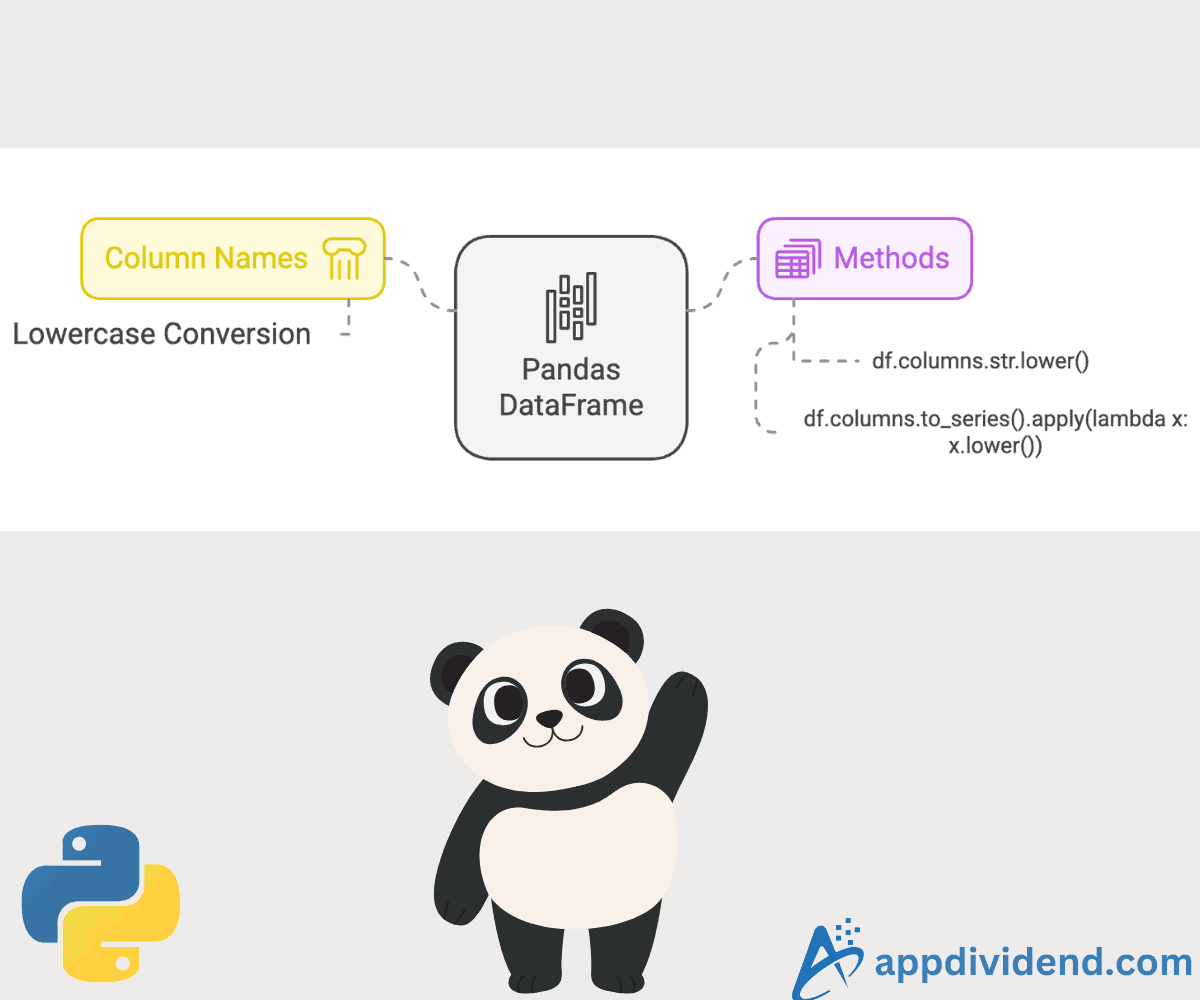
The fastest way to change the column names to lowercase in Pandas DataFrame is to use the df.columns.str.lower() function. It directly modifies the columns attribute of the DataFrame.
import pandas as pd

data = {'COL1': [1, 2, 3],
        'COL2': [4, 5, 6],
        'COL3': [7, 8, 9]}

df = pd.DataFrame(data)
print(df)

# Change column names to lowercase
df.columns = df.columns.str.lower()

# After changing column names
print("\nAfter converting to lowercase:")
print(df)
Output

As illustrated in the above image, all column names are converted to lowercase.
This method is a one-liner and straightforward to understand. It is optimized for string operations and is ideal for converting to lowercase, uppercase, or removing spaces.
However, if you are looking at complex string operations, this approach is unsuitable. It does not support conditional transformation.
Using apply() with lambda
First, we will convert column names into Pandas Series objects and then execute the apply() function, which accepts a lambda function to convert each column name to lowercase.
import pandas as pd

data = {'COL1': [1, 2, 3],
        'COL2': [4, 5, 6],
        'COL3': [7, 8, 9]}

df = pd.DataFrame(data)
print(df)

# Change column names to lowercase using apply() and lambda
df.columns = df.columns.to_series().apply(lambda x: x.lower())

# After changing column names
print("\nAfter converting to lowercase:")
print(df)
The output looks like the image below visually:

Using this approach, we can chain multiple operations to get additional transformations. It provides flexibility to do anything with our columns, which gives us a robust edge over the first approach.
However, with great power comes great responsibility, and this approach is slower than df.columns.str.lower() method.
That’s all!

