

The most recommended way to get a file extension in Python is to split the filename into a tuple (root, extension) using os.path.splitext() method.
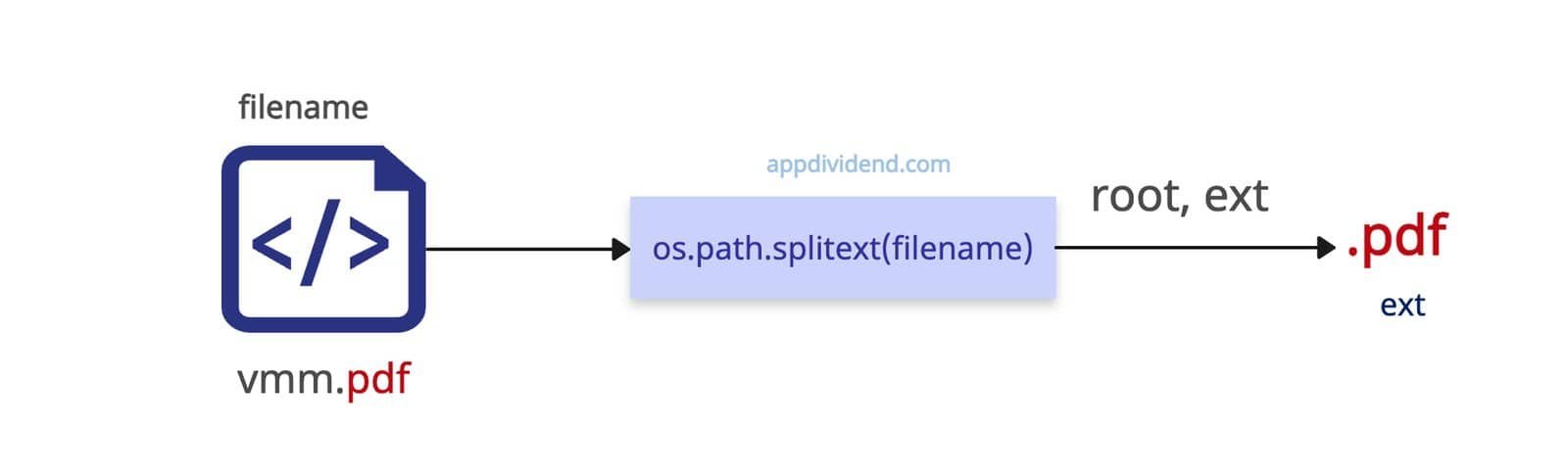
A file extension is the suffix at the end of a filename (e.g., .txt, .jpg, .pdf) that suggests the file’s format.
import os

filename = "vmm.pdf"

root, ext = os.path.splitext(filename)

print(ext)

# Output: '.pdf'
In this code, we are splitting the input file’s name into a tuple of two elements:
- filename
- extension
We are unpacking a tuple directly and printing the extension, which is .pdf.
Often, the filename is a file path, meaning the filename string looks like this: “/home/user/docs/vmm.pdf”.
Without a leading dot (.)

What if I want a file extension but without a dot (.)? In the above code example, the output is with (.). Use the lstrip() method to remove the dot.
import os

filename = "vmm.pdf"

ext = os.path.splitext(filename)[1].lstrip('.')

print(ext)

# Output: pdf
In the above code, I explicitly specify the tuple’s second element, which returns .pdf, and then apply the lstrip() method to remove the dot, returning just the extension.
File without extension

There will be a scenario where the file won’t have any extension. It will be just like this “mbb”.
In that case, the os.path.splitext() method returns an empty string since there is no extension to fetch.
import os

file_path = "/home/user/docs/mbb"

root, ext = os.path.splitext(file_path)

print(ext)

# Output: ""
Multiple Dots (Compound Extensions)
What if the filename or file path contains multiple dots (.) like this: “backup.tar.gz”
In that case, it will return the last extension, which is .gz
import os

file_path = 'backup.tar.gz'

root, ext = os.path.splitext(file_path)

print(ext)

# Output: .gz
Files starting with Dot (.)
If you are working with Git, you will encounter a .gitignore file. Now, that file has no extension, and it starts with a .(dot). What happens if you pass this file to the os.path.splitext() method? Let’s find out.
import os

path = '.gitignore'

root, ext = os.path.splitext(path)

print(ext)

# Output: ""
As expected, it returns an empty string because there is no extension, and if the dot (.) appears at the start, the remaining name is not an extension.
Directories (No Extension Expected)
What about a path that does not have a file, just a directory? Well, again, since there is no file, there is no extension, and the output will be an empty string.
import os

path = '/usr/local/bin/'

root, ext = os.path.splitext(path)

print(ext)

# Output: "" (ignores trailing slash)
Modern alternative
If you are using Python 3.4+, you can use the pathlib.Path().suffix to get the extension of a file.
It is more object-oriented and works well with a modern language. The Path(path).suffix returns the extension, including the dot.
from pathlib import Path

path = Path('hogwarts.txt')

print(path.suffix)

# Output: '.txt'
To remove the dot (.) from the output string, use the path.suffix.lstrip(‘.’) method.
from pathlib import Path

path = Path('hogwarts.txt')

print(path.suffix.lstrip('.'))

# Output: txt
That’s all!

