

Using the float() function or the decimal module’s decimal() method, you can effortlessly convert a string value to a float (double) value in Python. There is no double data type representing floating-point numbers like float64, but there is a “float” type.
Here is the visual representation of string and double value:
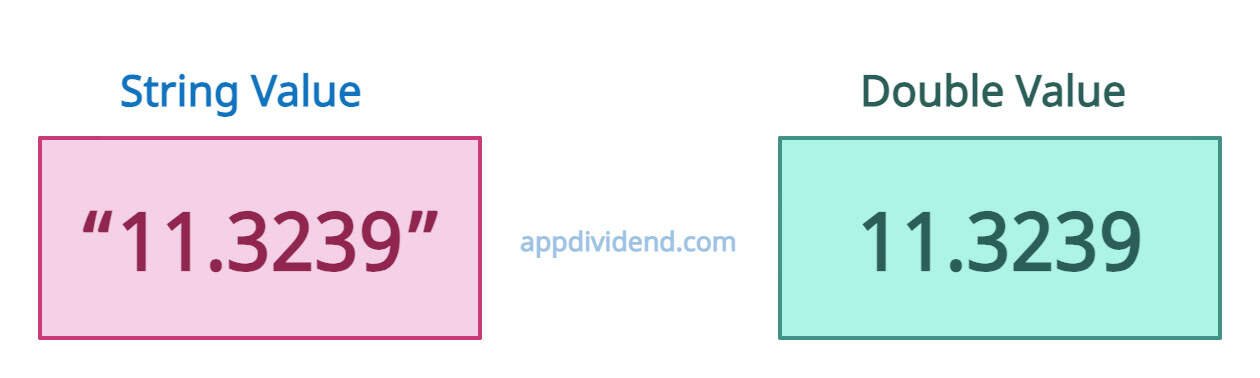
The above figure shows that the difference between string and double (float) values is that string is wrapped in single or double quotes representing a sequence of characters, whereas float represents a real number with a decimal point.
Basic conversion with float()
The float() function accepts a string representing valid numeric values and returns a floating-point representation of the input value.
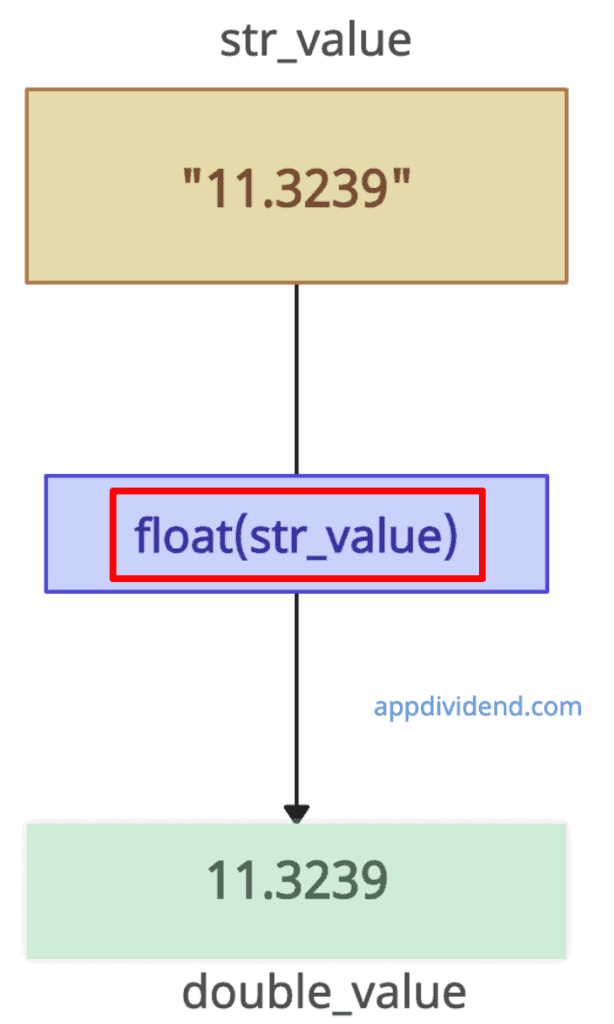
main_str = "11.3239"
print(main_str) # 11.3239
print(type(main_str)) # <class 'str'>

# Convert the string to a float
double_value = float(main_str)

print(double_value) # 11.3239
print(type(double_value)) # <class 'float'>
The float() function can handle decimals, integers, exponents, and special values (“NaN”, “Infinity”).
If you pass a string with non-numeric values or locale-specific formats, it raises an exception: ValueError: could not convert string to float: ‘string’.
main_str = "krunal"
print(main_str) # krunal
print(type(main_str)) # <class 'str'>

# Convert the string to a float
double_value = float(main_str)

print(double_value) # ValueError: could not convert string to float: 'krunal'
Empty string
When you pass an empty string to the float() function, it will throw this error: ValueError: could not convert string to float: ”.
main_str = ""
print(main_str) #
print(type(main_str)) # <class 'str'>

# Convert the string to a float
double_value = float(main_str)

print(double_value) # ValueError: could not convert string to float: ''
Locale-Specific Conversions
If your locale is Europe, you must add commas (,) as decimal separators in numbers. To handle this type of use case, import the built-in locale package and use its .atof() method.
import locale

# Set the appropriate locale (e.g., German)

locale.setlocale(locale.LC_NUMERIC, 'de_DE')

main_str = "123,45"

num = locale.atof(main_str)

print(num) # 123.45

print(type(num)) # <class 'float'>
Handling Currency Symbols and Non-Numeric Characters
In real life, the floating value will be represented as “$123.45”. You can see that the price is in the string, and it has a $ currency symbol. How do I convert a to simple floating-point number?
In this case, we can use regex to remove non-numeric characters (retain digits, dots, and minus).
import re

main_str = "$123.45"

# Remove the dollar sign and commas
clean_str = re.sub(r'[^\d.-]', '', main_str)

# Convert the cleaned string to a float
num = float(clean_str)

# Print the result
print(num) # 123.45

# Print the type of the result
print(type(num)) # <class 'float'>
Fraction Conversion
What if your input string looks like this: “5/6”. How would you convert that to double? Well, convert fractions (“5/6”) by splitting and dividing.
main_str = "5/6"

numerator, denominator = main_str.split('/')

num = float(numerator) / float(denominator)

print(num) # 0.8333333333333334

print(type(num)) # <class 'float'>
Handling “thousands” separators
If you work in the US or Europe, your input numeric string value contains commas or dots used as thousands separators.
main_str = "1,234.56" # US format
str_clean = main_str.replace(',', '')
num = float(str_clean)
print(num) # 1234.56

main_str = "1.234,56"  # European format
str_clean = main_str.replace('.', '').replace(',', '.')
num = float(str_clean)
print(str_clean) # 1234.56
Using Decimal()
The Decimal() function accepts the string as an argument and converts it to a decimal type.
For exact decimal arithmetic and precision handling, always use the decimal module.
If your input numeric string contains more than 15 significant digits, the float() function will round it. If you don’t lose any value, you better use the Decimal() function. It retains full precision.
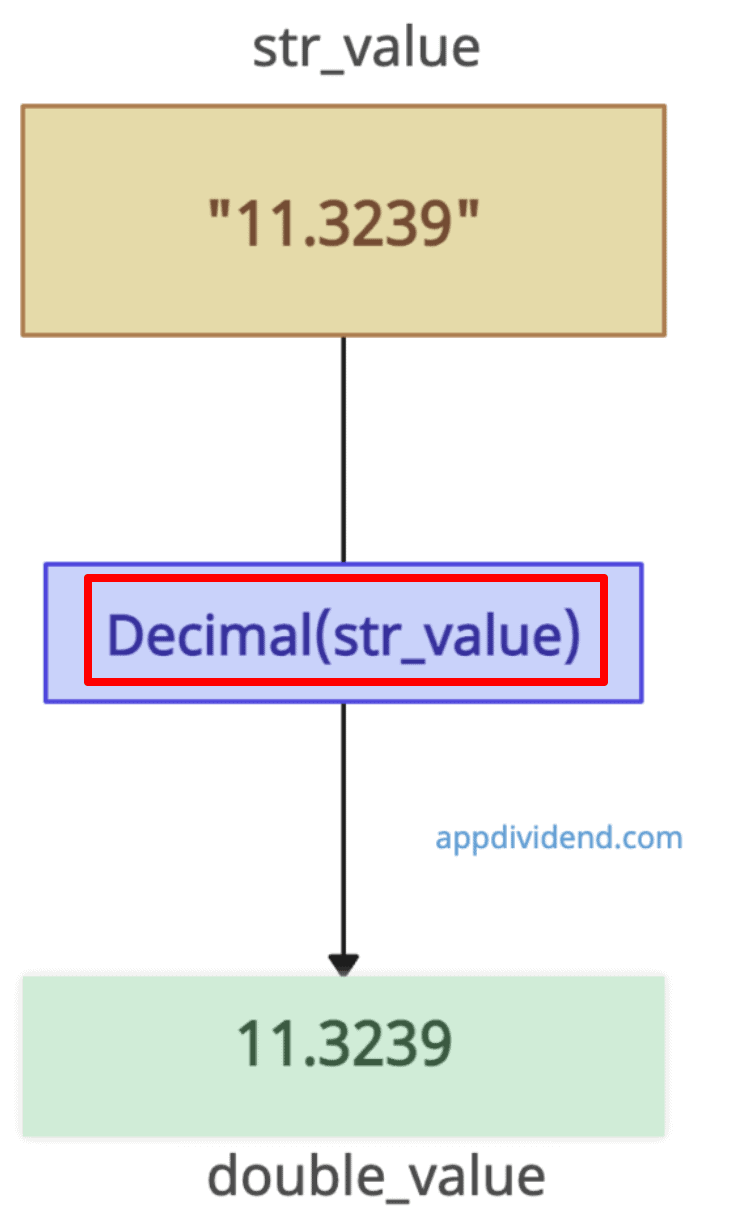
from decimal import Decimal

main_str = "11.3239"
print(main_str) # 11.3239
print(type(main_str)) # <class 'str'>

# Convert the string to a float
double_value = Decimal(main_str)

print(double_value) # 11.3239
print(type(double_value)) # <class 'float'>
That’s all!

