
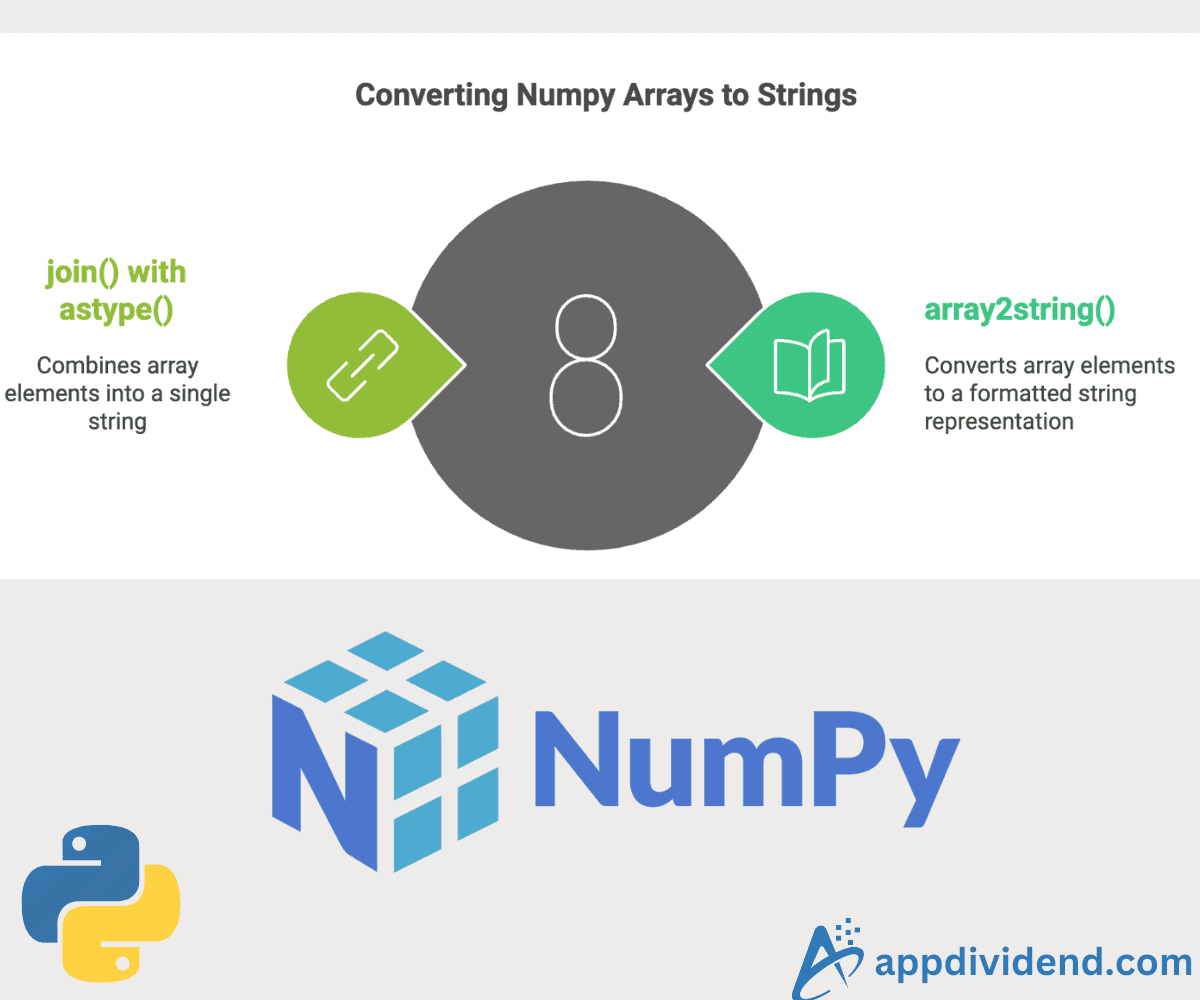
To convert a numpy array to a string, you can use either numpy.array2string() method or join() with astype(), methods.

When working with CLI applications or debugging, presenting array data in a readable format is often necessary, and that’s where string formatting is needed.
When we perform a conversion, what happens under the hood is that it converts individual elements of the array to their string representation, applies a proper formatting rule if applicable, and concatenates the resulting strings to form a single string, which is our output.
Method 1: Using numpy.array2string()
The np.array2string() method returns a string representation of the array. This method allows us to control precision, separator, and line width.
Basic conversion

import numpy as np

arr = np.array([1.21, 2.22, 3.19, 4.5])

str_arr = np.array2string(arr)

print(str_arr)  # [1.21 2.22 3.19 4.5]

print(type(str_arr))  # <class 'str'>
In this code, we define an array and pass it to the np.array2string() method, which returns a string representation.
To verify that the output is a string, we used the built-in type() method. This approach can handle various data types.
Controlling precision
To control precision, we can set the “precision” argument of the .array2string() method.
import numpy as np

arr = np.array([1.21, 2.22, 3.19, 4.5])

# Controlling precision

str_arr_preci = np.array2string(arr, precision=2)

print(str_arr_preci)  # [1.21 2.22 3.19 4.5 ]

print(type(str_arr_preci))  # <class 'str'>
Specifying separator
The separator=’,’ argument of the np.array2string() method specifies that the elements in the resulting string representation of the array should be separated by a comma (,).
import numpy as np

arr = np.array([1.21, 2.22, 3.19, 4.5])

# Specifying separator
str_arr_sep = np.array2string(arr, separator=',')

print(str_arr_sep)  # [1.21,2.22,3.19,4.5 ]

print(type(str_arr_sep))  # <class 'str'>
This approach provides more control over the formatting. It appears to be how NumPy would print the array by default. It handles different data types correctly and produces a clean, readable output.
Method 2: Using join() with astype() methods

The ndarray.astype(str) method converts all the numeric elements of an array to a string. It will result in an array of strings. Still, it is a type of array and not a string.
Now, we can use the .join() method to join the string elements of the array into a single string, using a space (‘ ‘) as the separator between the elements.
import numpy as np

arr = np.array([1.21, 2.22, 3.19, 4.5])

string = ' '.join(arr.astype(str))

print(string)  # "1.21 2.22 3.19 4.5"

print(type(string))  # <class 'str'>
If you are looking for just a basic space-separated string, this approach is recommended. Efficient for string concatenation.

