

When you convert an image to a Base64 string, you are encoding binary image data into a text-based format using 64 printable characters (A-Z, a-z, 0-9, +, /).
Here’s a step-by-step guide:
- Step 1: Import the Base64 Module
- Step 2: Open the image file in binary read mode (‘rb’).
- Step 3: Use the base64.b64encode() function to encode the read bytes.
Here is the image that will be used in this code:

Here is the code:
import base64


def image_to_base64(file_path):
    with open(file_path, 'rb') as image_file:
        image_bytes = image_file.read()
        base64_string = base64.b64encode(image_bytes).decode('utf-8')
    return base64_string


# Example usage
base64_str = image_to_base64('Tower.png')
print(base64_str[:100] + '...')  # Truncated for brevity
# Output: iVBORw0KGgoAAAANSUhEUgAABFQAAAXyCAYAAAAxz74XAAAQAElEQVR4Aez9CdRuWXrXh/3/z36/W92Seqquqee5q6q7epQwdrwc...

with open("encoded_image.txt", "w") as text_file:
    text_file.write(base64_str)
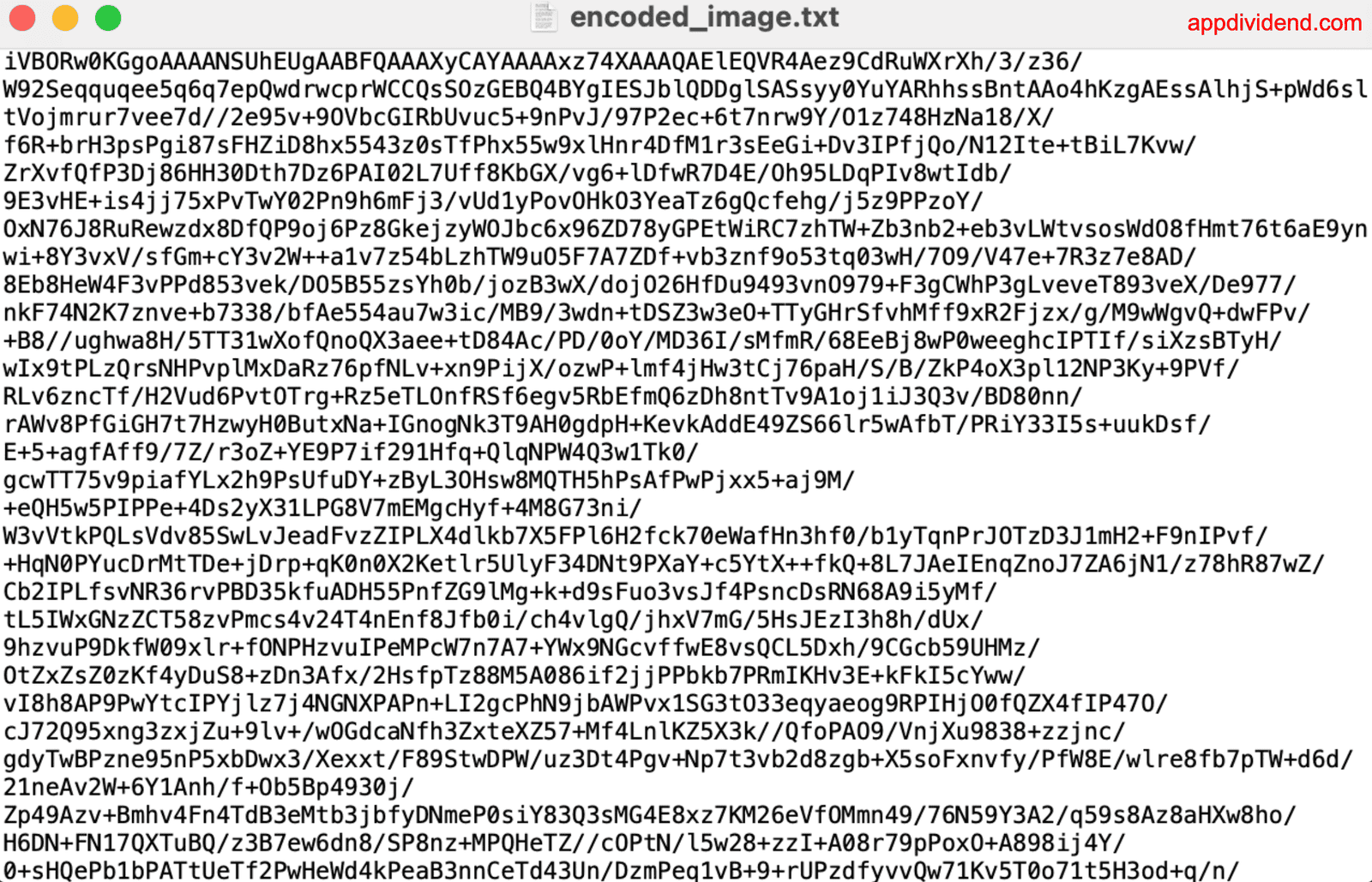
In the output, we truncated the string for brevity and wrote the encoded text in a .txt file. But why do we need to store the encoded text? We may want to read that data and convert it back to an image.
Here is the encoded_image.txt file as an output:
Converting Base64 String to Image
Here’s a step-by-step guide:
- Import the Base64 Module.
- Read the Base64 Encoded File.
- Decode the file using base64.b64decode() function.
- Write the decoded data to a new image file.
Here is the encoded_image.txt file:
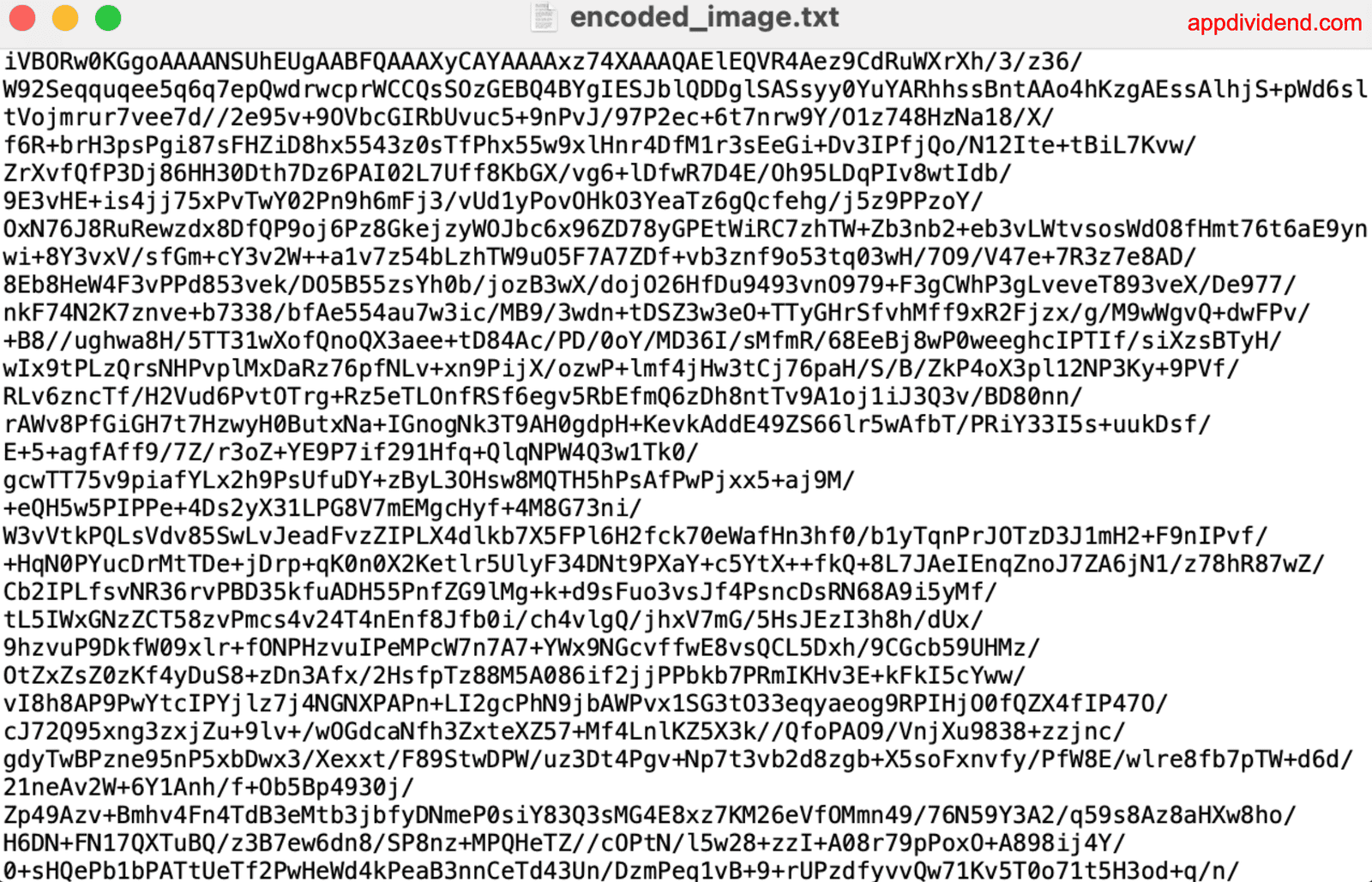
We will read this file and convert it into an image.
import base64

with open("encoded_image.txt", "r") as text_file:
    base64_data = text_file.read()

image_data = base64.b64decode(base64_data)

with open("decoded_tower.jpg", "wb") as image_file:
    image_file.write(image_data)
Here is the output image:

You can see that we restored the image for viewing or further processing. This is a complete vice-versa.

