
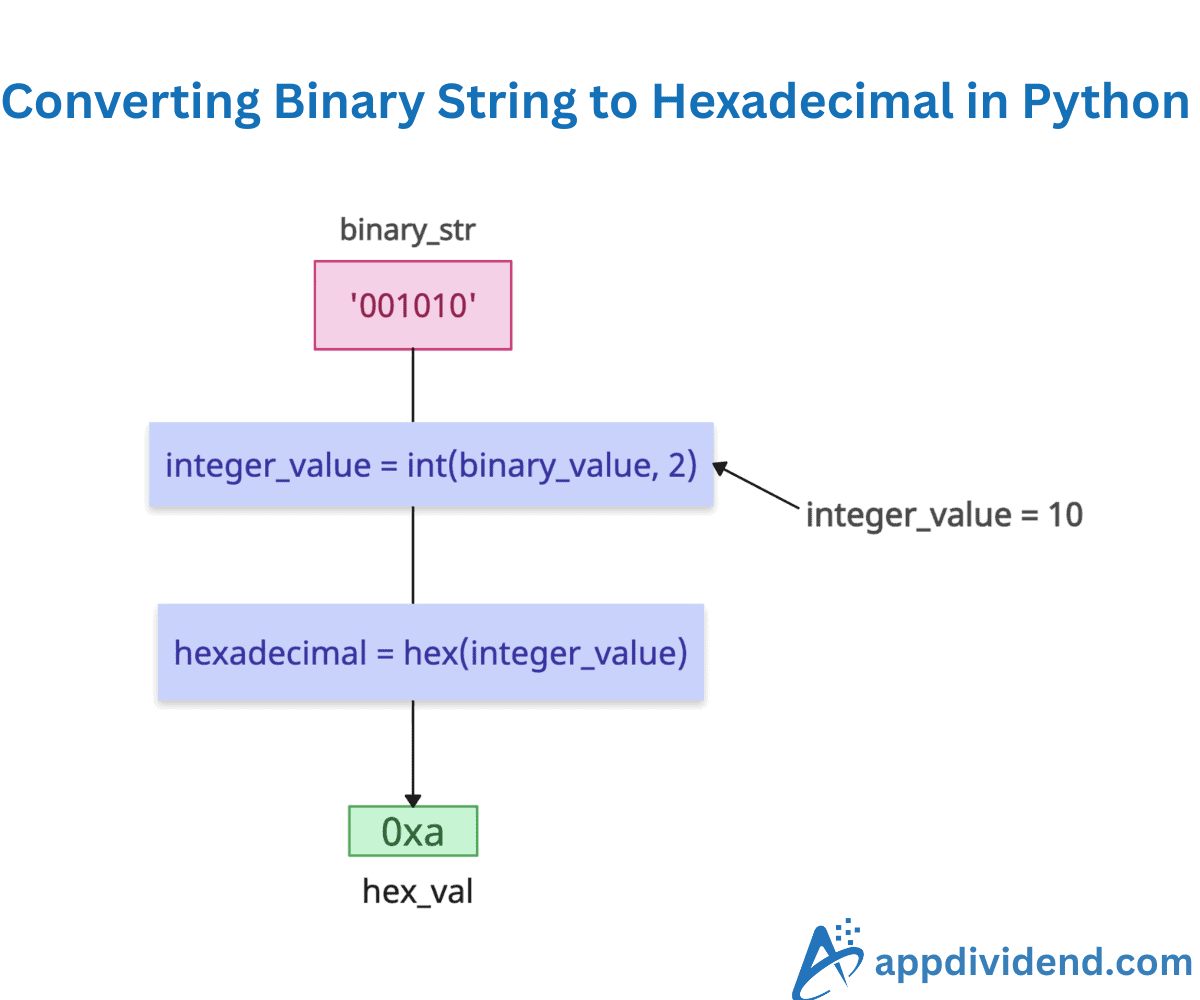
The most efficient way to convert a binary string to a hexadecimal is to convert that binary to an integer base 2 using the int() function and then convert the integer value to hexadecimal using the hex() function.
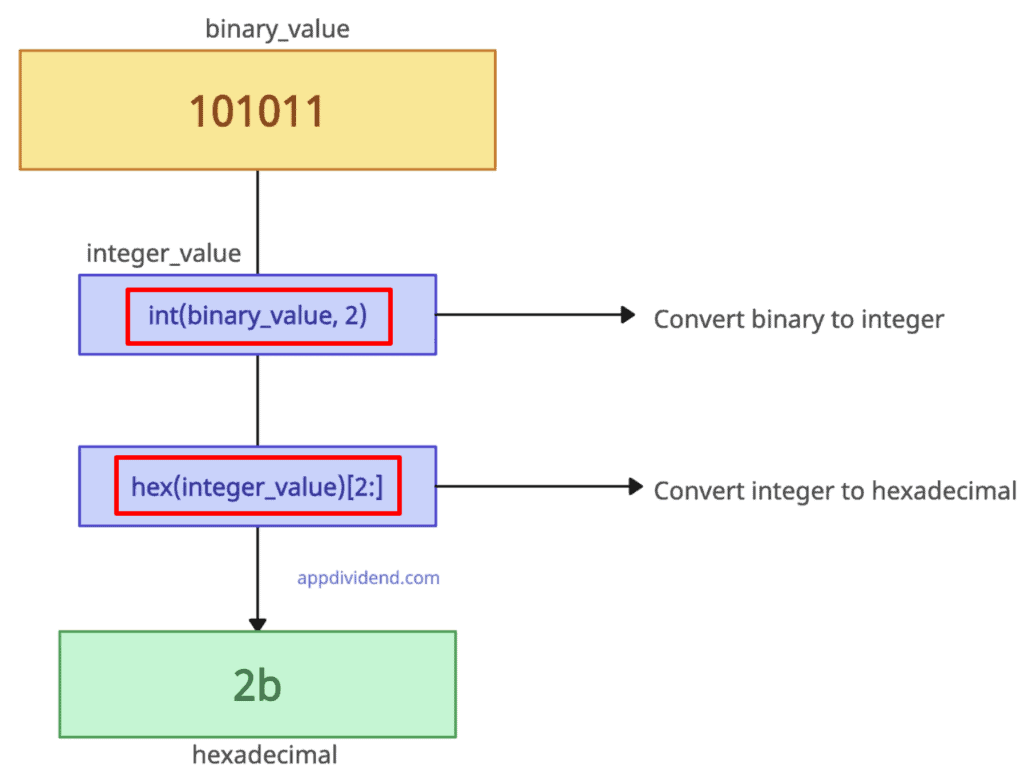
binary_value = '101011'  # binary representation of 43

integer_value = int(binary_value, 2)

hexadecimal = hex(integer_value)

print(hexadecimal)

# Output: 0x2b
The main difference between binary and Hexadecimal is that binary is a base-2 numeral system that uses only two digits, 0 and 1, to represent numerical values, and Hexadecimal is a base-16 numeral system that uses 16 digits, 0 to 9 and A to F, to represent numerical values.
The above output includes a ‘0x’ prefix, which is standard to suggest a hexadecimal value.
To remove the ‘0x’ prefix, you can slice the string like this: hexadecimal_string[2:]
binary_value = '101011'  # binary representation of 43

integer_value = int(binary_value, 2)

hexadecimal_str = hex(integer_value)

hexadecimal = hexadecimal_str[2:]

print(hexadecimal)

# Output: 2b
Empty binary string
If the input binary string is empty or invalid, the int(”, 2) function raises ValueError.
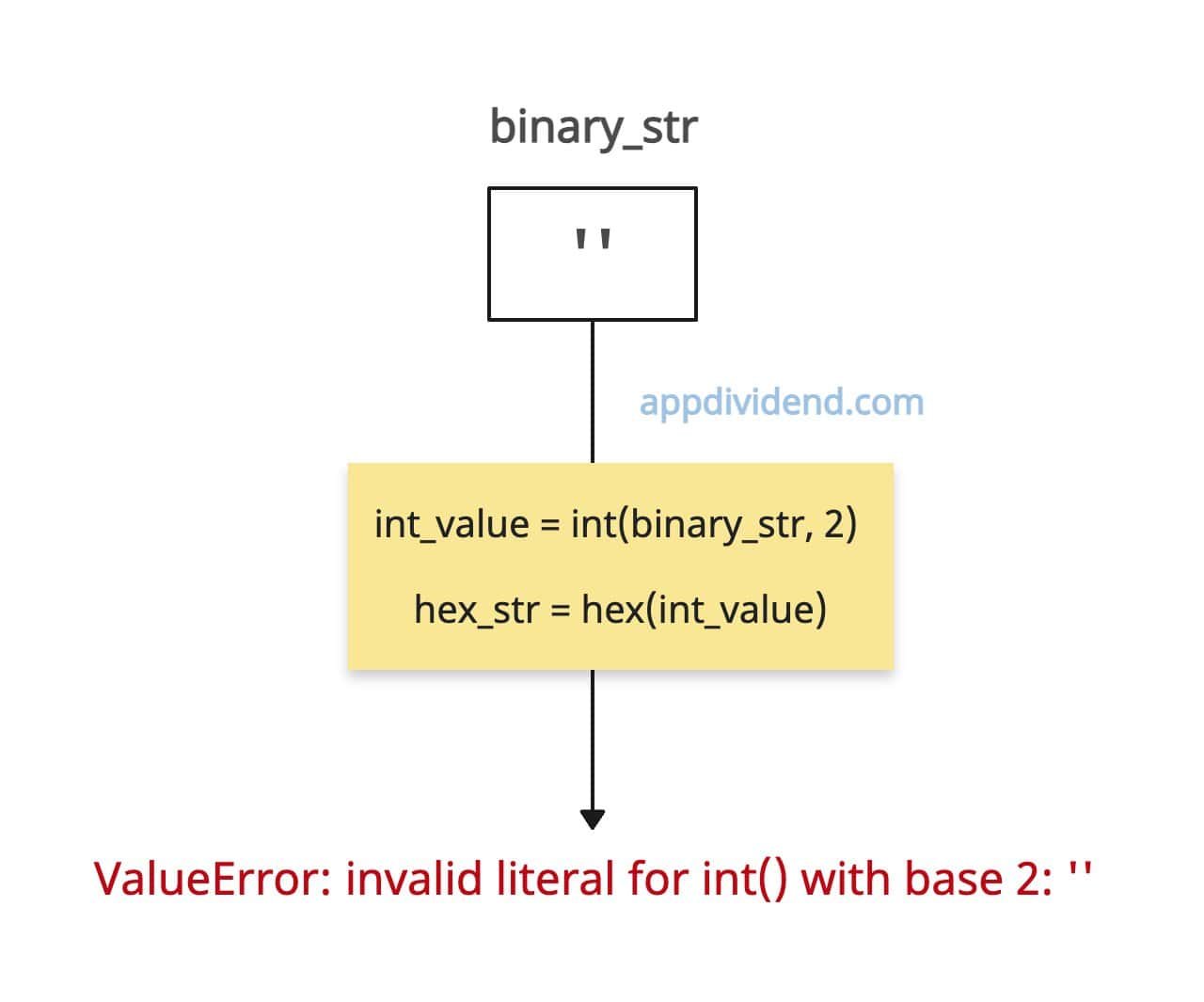
empty_binary_str = ''

try:
    int_value = int(empty_binary_str, 2)
    hex_str = hex(int_value)
except ValueError as e:
    print(f"Error: {e}")

# Output: Error: invalid literal for int() with base 2: ''
All zeros binary
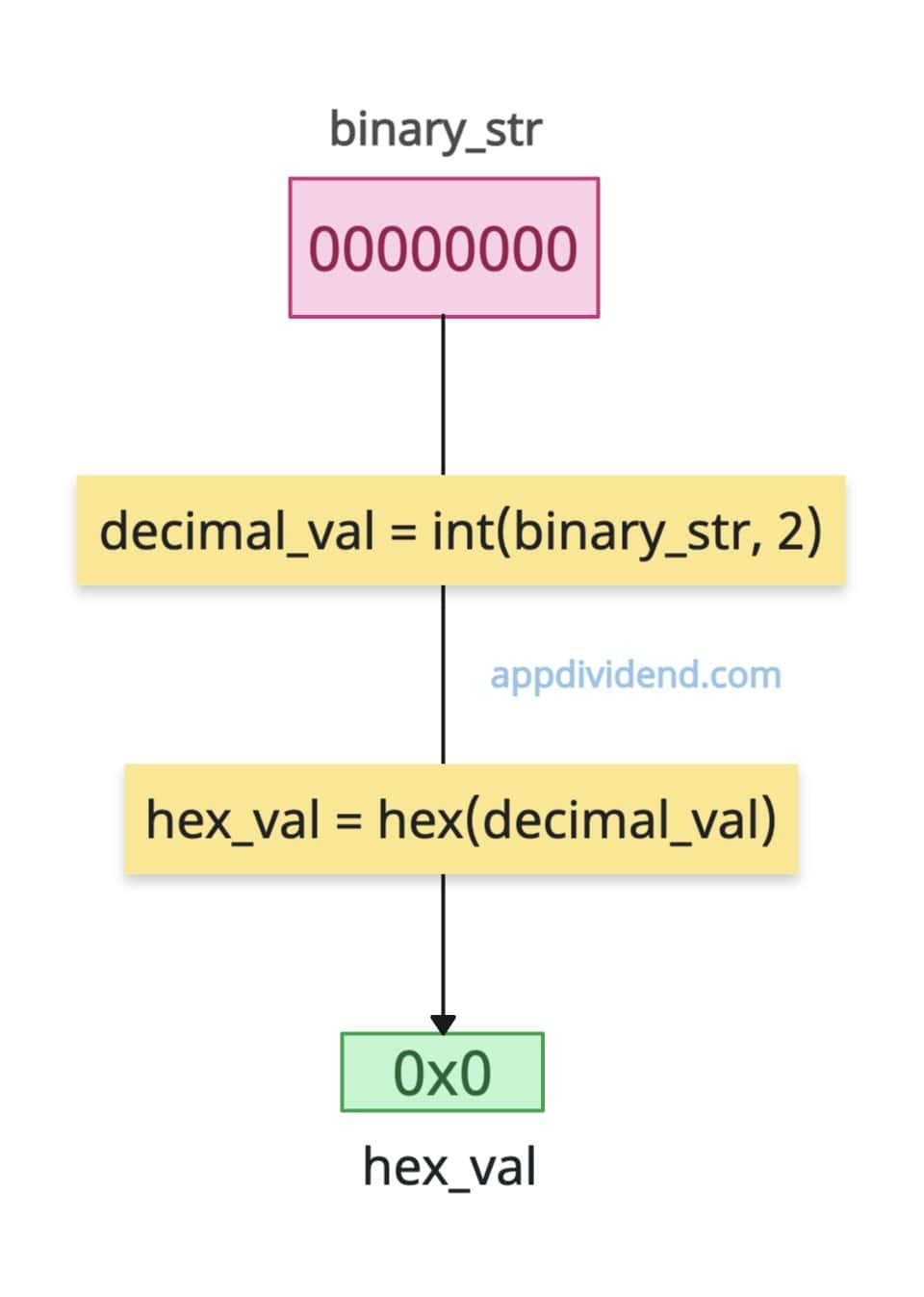
If the input binary string consists entirely of 0s, the output hex string is 0x0.
binary_str = "00000000"

decimal_val = int(binary_str, 2)  # Convert binary -> decimal

hex_val = hex(decimal_val)        # Convert decimal -> hex

print(hex_val)

# Output: 0x0
How to convert a hexadecimal number to a binary number?
To convert a hexadecimal number to binary, use the direct int() conversion with Base 16.
Let’s convert a hexadecimal value (0x2b) to the decimal integer (43).
hex_value = "0x2b"     # Hexadecimal as a string

decimal_value = int(hex_value, 16)

print(decimal_value)

# Output: 43
That’s all!

