

What if you are working on a network simulator and you want to delay VoIP calls in fractions of seconds (0.2, 0.6) instead of whole seconds (1, 2, 3)? That’s where you need a range of floating-point values.
Here are multiple ways to generate random float numbers within a range:
Method 1: Using random.random()
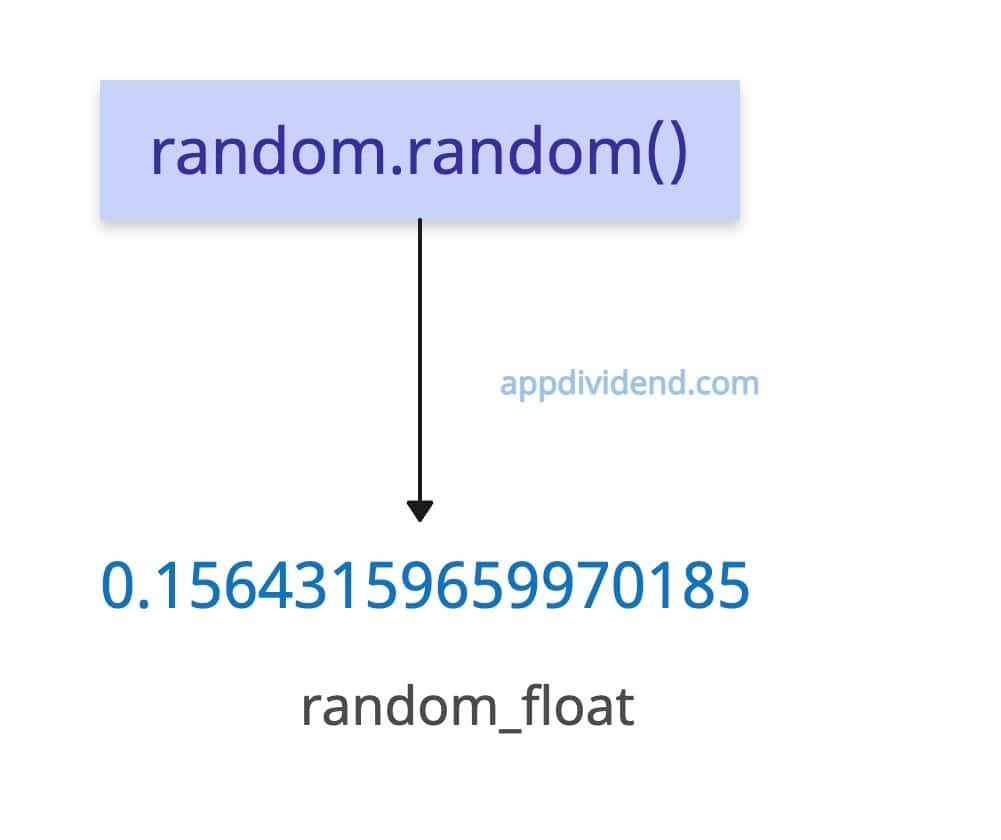
The fastest and most efficient way to generate a random float value in Python is to use random.random() method. By default, it generates uniform floats between 0 and 1.
import random

# Generate float between 0.0 (inclusive) and 1.0 (exclusive)
random_float = random.random()

print(random_float)

# Output: 0.15643159659970185
# Your output will vary since it's randomly generated.
For basic randomization in projects like random sampling or simulators, it is helpful.
Method 2: Using random.uniform()

To get a random number between a float range efficiently, use the random.uniform() method.
It generates a float N such that a<=N<=b. The order does not matter. It is helpful when you need a number within a specific, arbitrary range.
import random

# Float between 5.5 and 10.5
float_range = random.uniform(5.5, 10.5)
print(float_range)
# Output: 5.605188326774658

# Negative ranges
negative_range = random.uniform(-10, -5)
print(negative_range)
# Output: -5.2324853217147425

# Order doesn't matter
unordered_range = random.uniform(21.19, 19.21)
print(unordered_range)
# Output: 20.570281502690687
Method 3: Using secrets.SystemRandom()
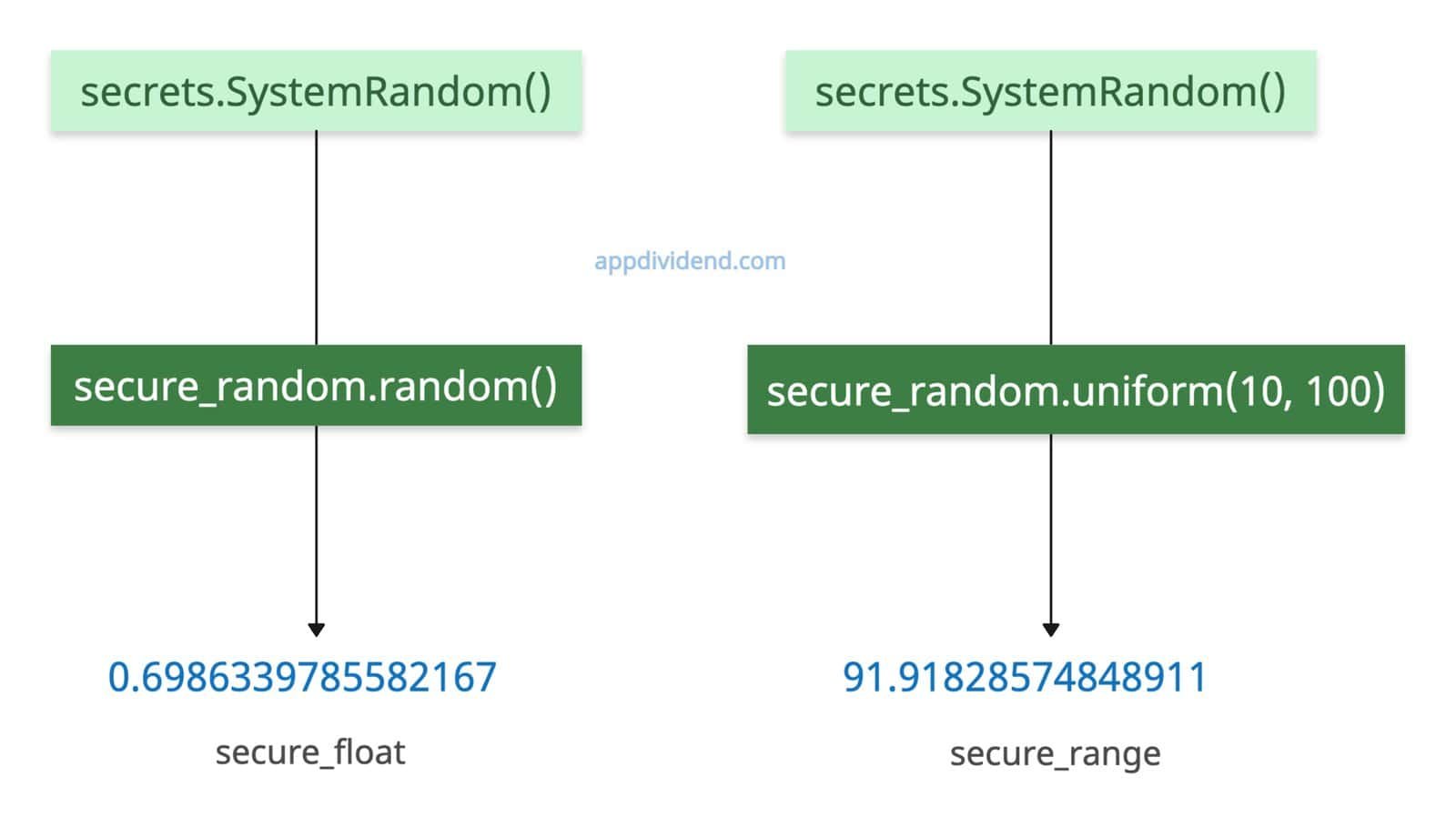
If you are generating random float values for cryptography required for secure applications, use secrets.SystemRandom() method. It generates unpredictable floats.
import secrets

# Cryptographically secure random
secure_random = secrets.SystemRandom()

secure_float = secure_random.random()

print(secure_float)
# Output: 0.6986339785582167

# Float in custom range
secure_range = secure_random.uniform(10, 100)

print(secure_range)
# Output: 91.91828574848911
You can see from the above code that we also used the .uniform() method to generate a range between numbers securely.
Method 4: Using np.random.random()

When you are working in Data Science, you often require an array, and that’s where numpy comes into the picture. Use the numpy.random.random() method to generate an array of random floats.
import numpy as np

# Single float
single = np.random.rand()
print(single)
# Output: 0.07510472749960162

# 1D array
arr = np.random.rand(5)
print(arr)
# Output: [0.40036198 0.45543704 0.09807855 0.34492534 0.81030787]

# 2D array
matrix = np.random.rand(3, 4)
print(matrix)
# Output:
# [[0.0462289  0.93544186 0.07903859 0.80917786]
#  [0.37479099 0.01833463 0.52596649 0.17247257]
#  [0.79179286 0.59642934 0.32583398 0.04861136]]
That’s all!

