
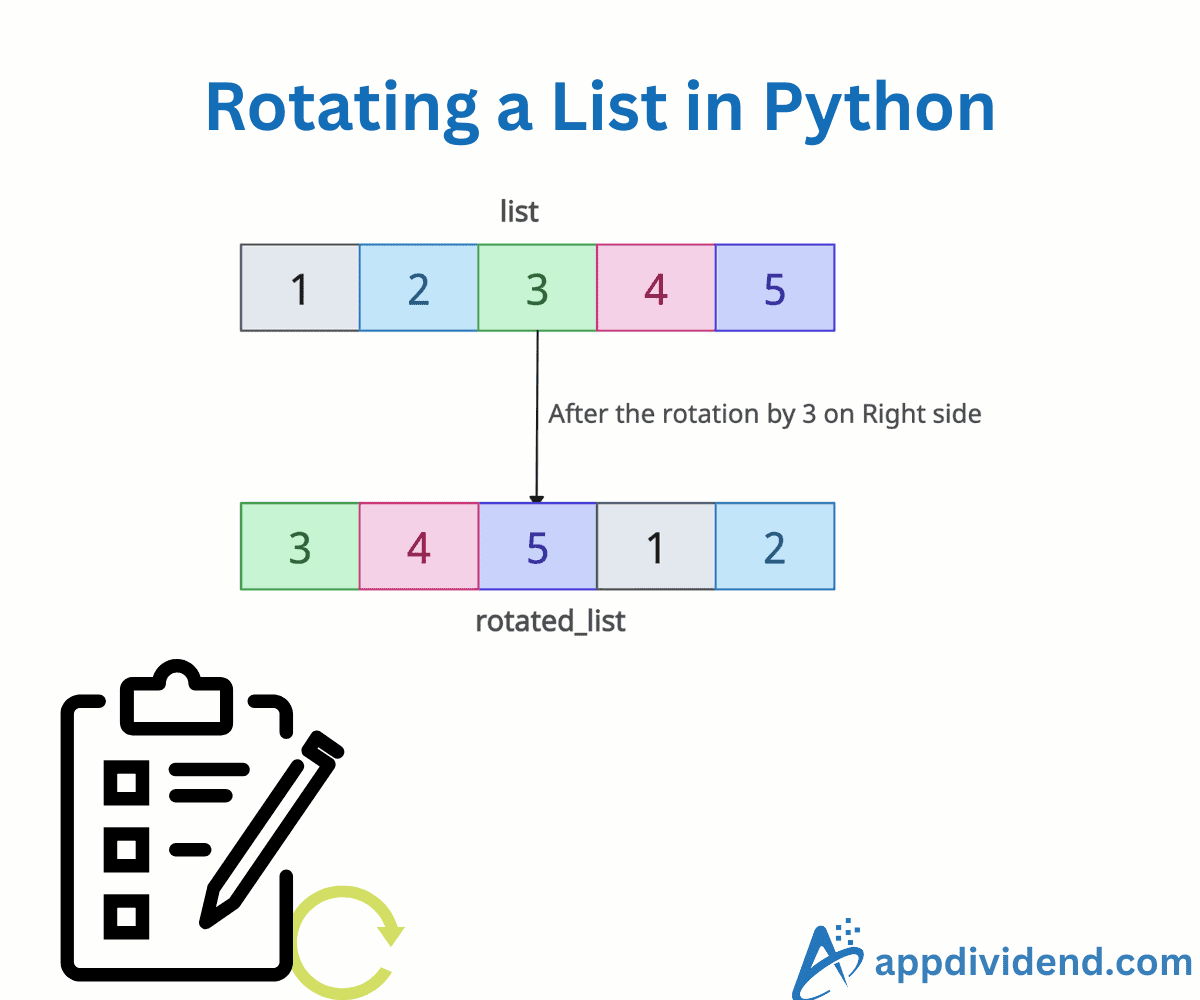
Rotating a list is the process of shifting its elements from left to right or right to left, with elements that fall off one end reappearing at the other.
For example, we have a list with five elements and we want to shift from left to right by 2 positions:
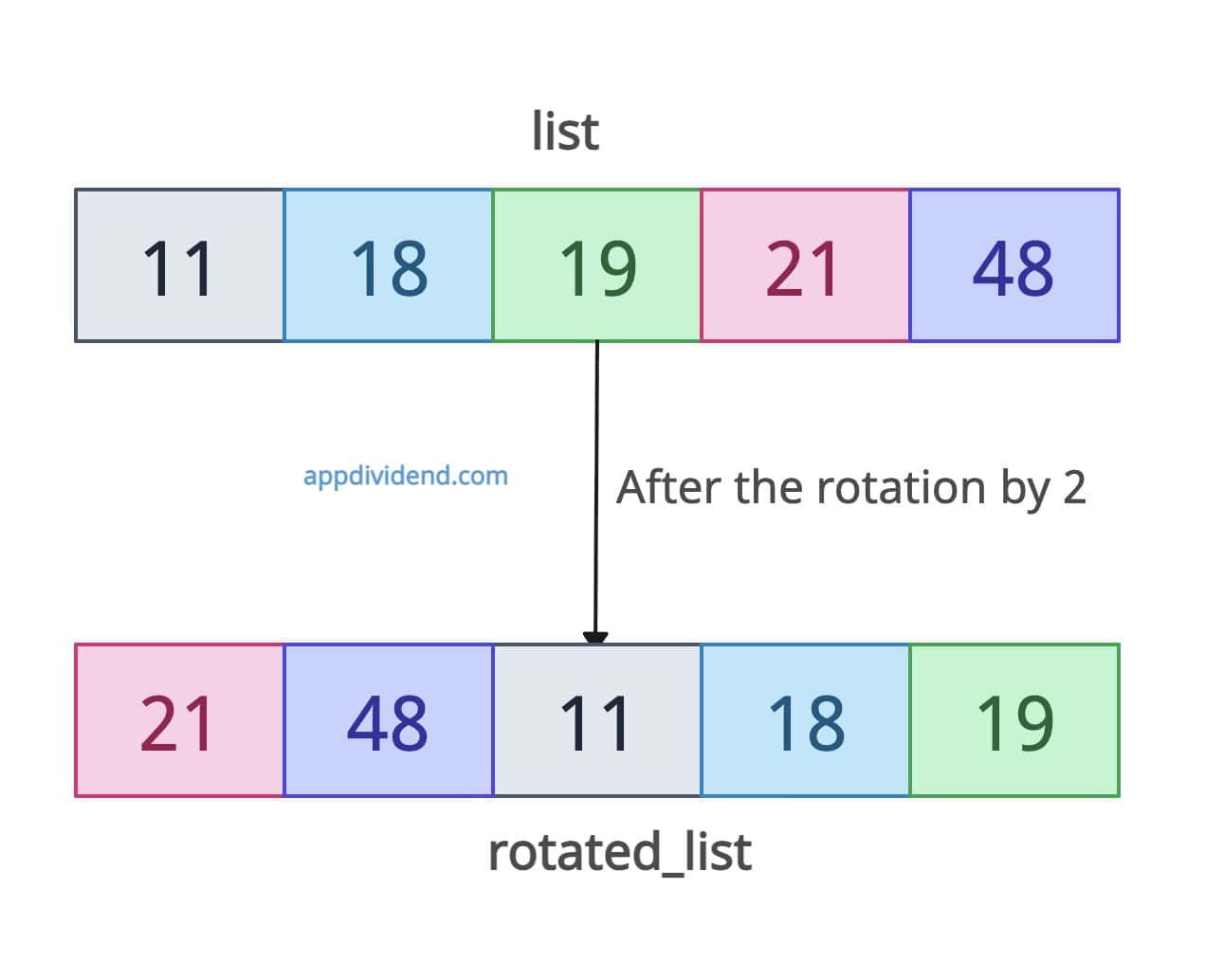
[11, 18, 19, 21, 48] => [21, 48, 11, 18, 19]
The output list is shifted by two elements. You can see that 11, which was at position 0, is shifted by two positions, and now its position is 2 from 0. Each element is shifted, but the elements in the list remain the same.
Let’s see the different methods to rotate elements in the Python list:
Method 1: Using collections.deque.rotate()
The most efficient way for large or small lists is to use collections.deque.rotate() method for list rotations. The time complexity is O(1) regardless of list size.
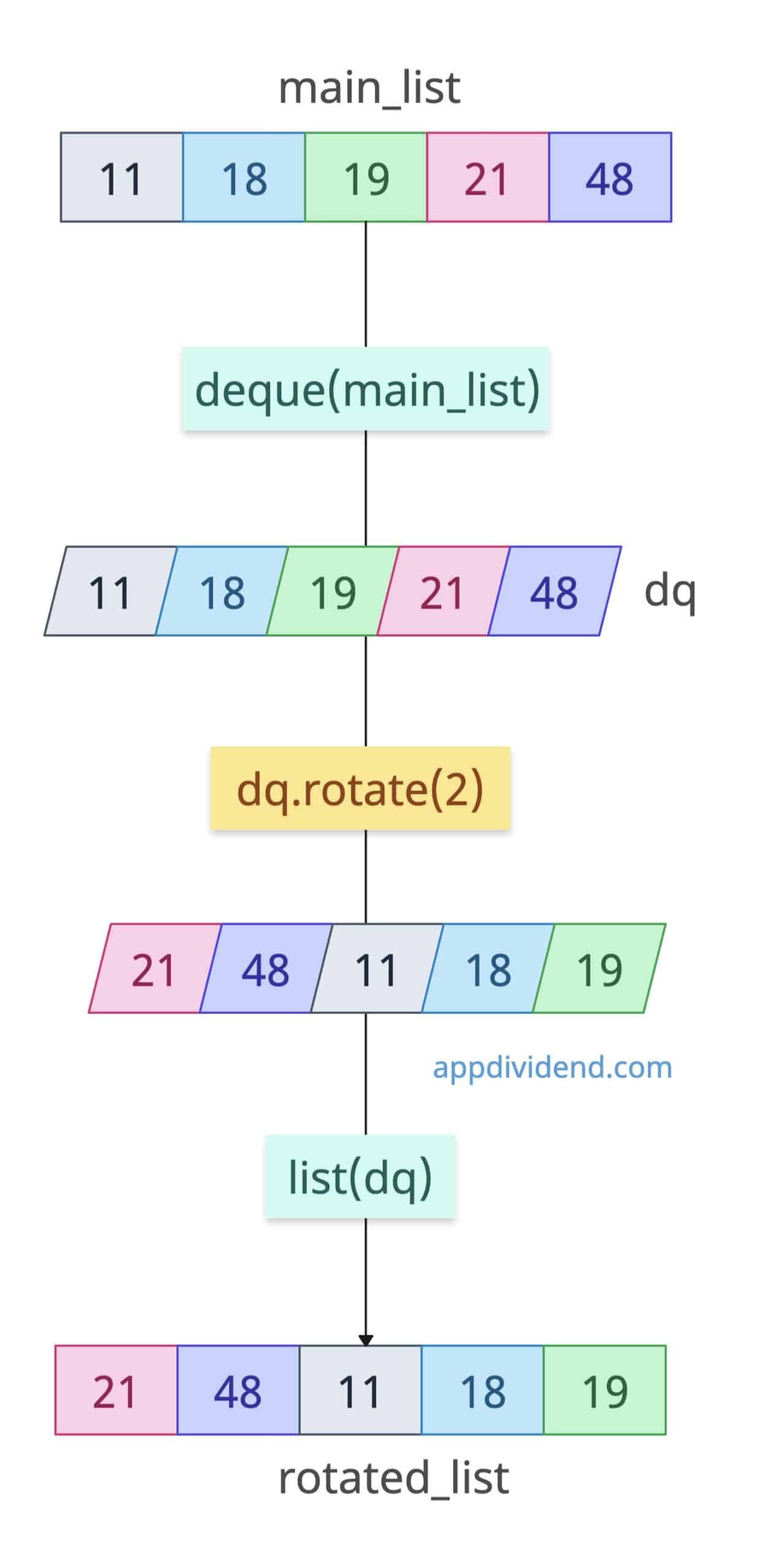
First, you define a list and convert it into a deque using the .deque() method.
Then, apply a rotation with a specific position using the .rotate() method.
At last, convert it back to a list using the .list() method.
from collections import deque

main_list = [11, 18, 19, 21, 48]

dq = deque(main_list)

dq.rotate(2)      # Right rotate by 2

print(list(dq))

# Output: [21, 48, 11, 18, 19]
The output list is rotated to the right by 2 positions.
Rotating left
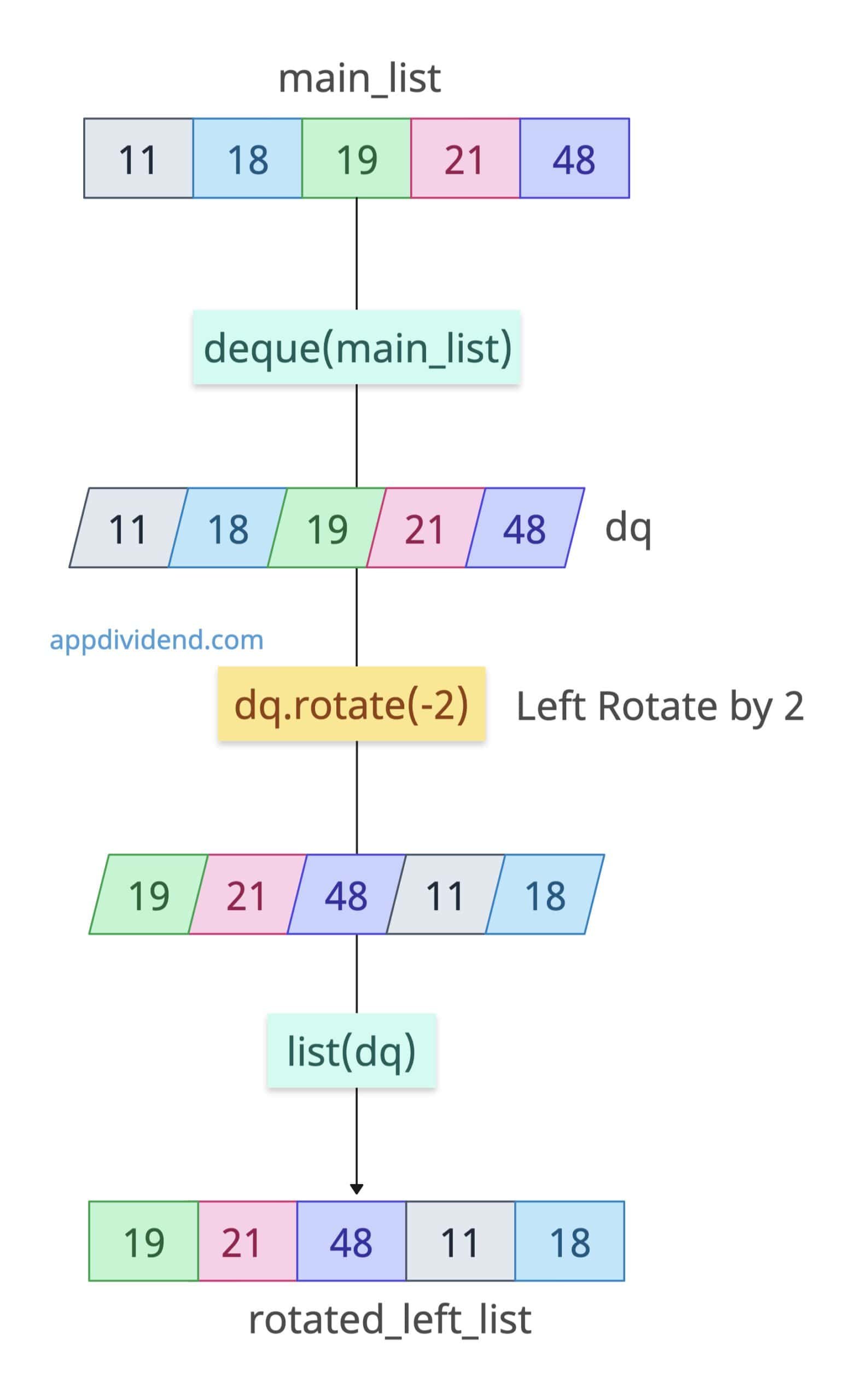
To rotate left, we need to pass the position in negative. For example, if we want to shift two positions to the left side, pass -2 in the rotate() method.
from collections import deque

main_list = [11, 18, 19, 21, 48]

dq = deque(main_list)

dq.rotate(-2)      # Left Rotate by 2

print(list(dq))

# Output: [19, 21, 48, 11, 18]
The deque.rotate() method is so efficient that it can handle 10M+ elements without costing time.
Method 2: Slice rotation
Slice rotation means we will cut the list into two parts and swap their positions. It is a Pythonic approach that does not use any external imports. It creates a new list rather than modifying the original.
In this approach, we need a rotation by k, which is equivalent to:
k = k % len(list)
Here is the complete code for the left and right rotation of a list:
main_list = [11, 18, 19, 21, 48]

# Right rotation by 2
k = 2
rotated = main_list[-k:] + main_list[:-k]
print(rotated)
# Output: [21, 48, 11, 18, 19]

# Left rotation by 2
rotated = main_list[k:] + main_list[:k]
print(rotated)
# Output: [19, 21, 48, 11, 18]
It takes O(n) time and O(n) extra space because it creates a new list.
Method 3: Using numpy.roll()
If your input is a numeric array for scientific calculations, you can use the np.roll() method to shift elements within an array along a specified axis.
import numpy as np

main_list = [11, 18, 19, 21, 48]

arr = np.array(main_list)

rotated = np.roll(arr, 2)

print(rotated)

# Output: [21 48 11 18 19]
It also works on multidimensional arrays.
import numpy as np

array_2d = [[1, 2],
            [3, 4]]

rotated_arr = np.roll(array_2d, 1)

print(rotated_arr)

# Output:
# [[4 1]
#  [2 3]]
That’s all!

