
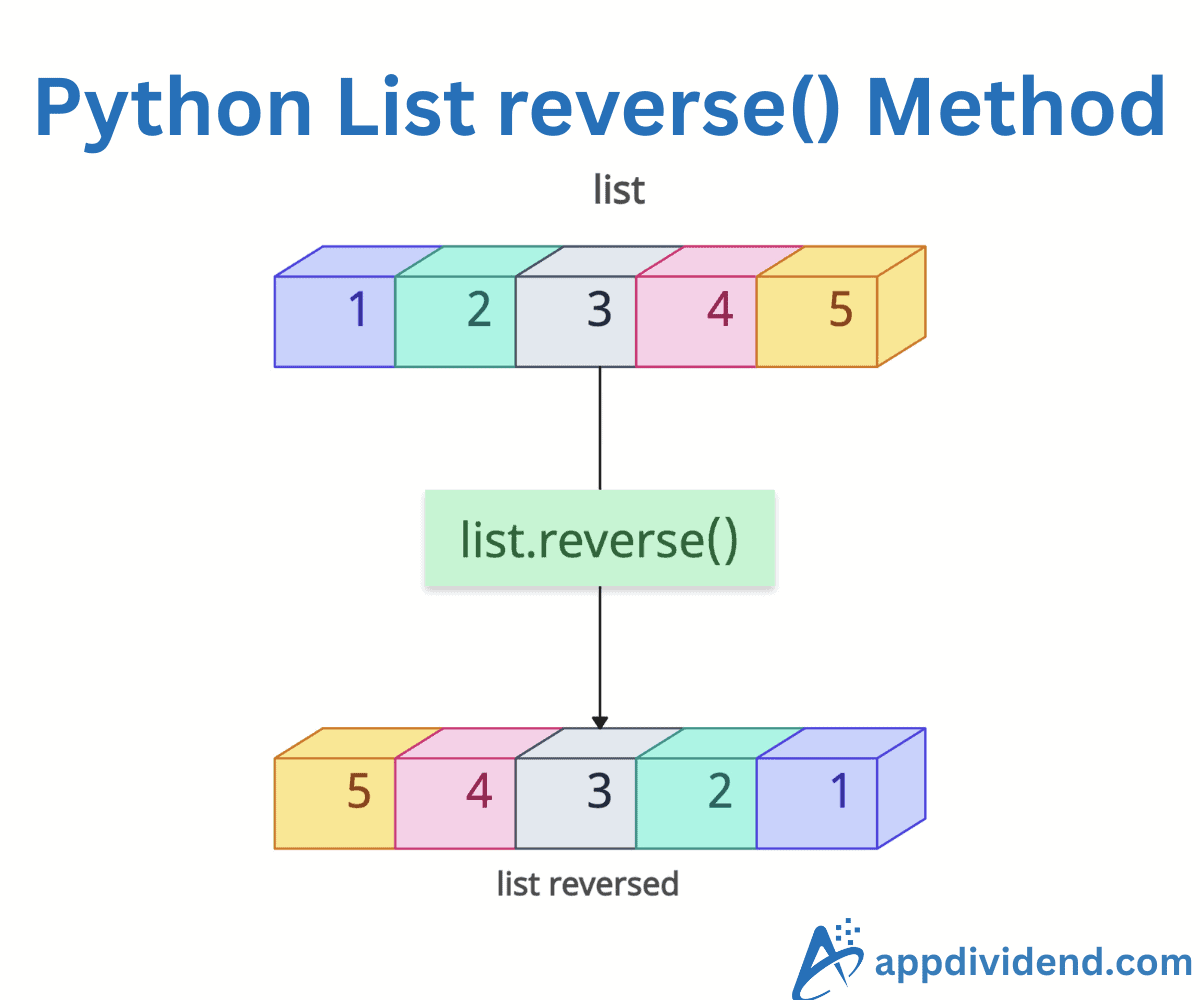
The list.reverse() is a built-in Python function that reverses the order of elements in a list in place. It directly modifies the list and does not return a new list.
Reversing the list means rearranging the elements so that the first becomes the last, the second becomes the second-to-last, and so on.
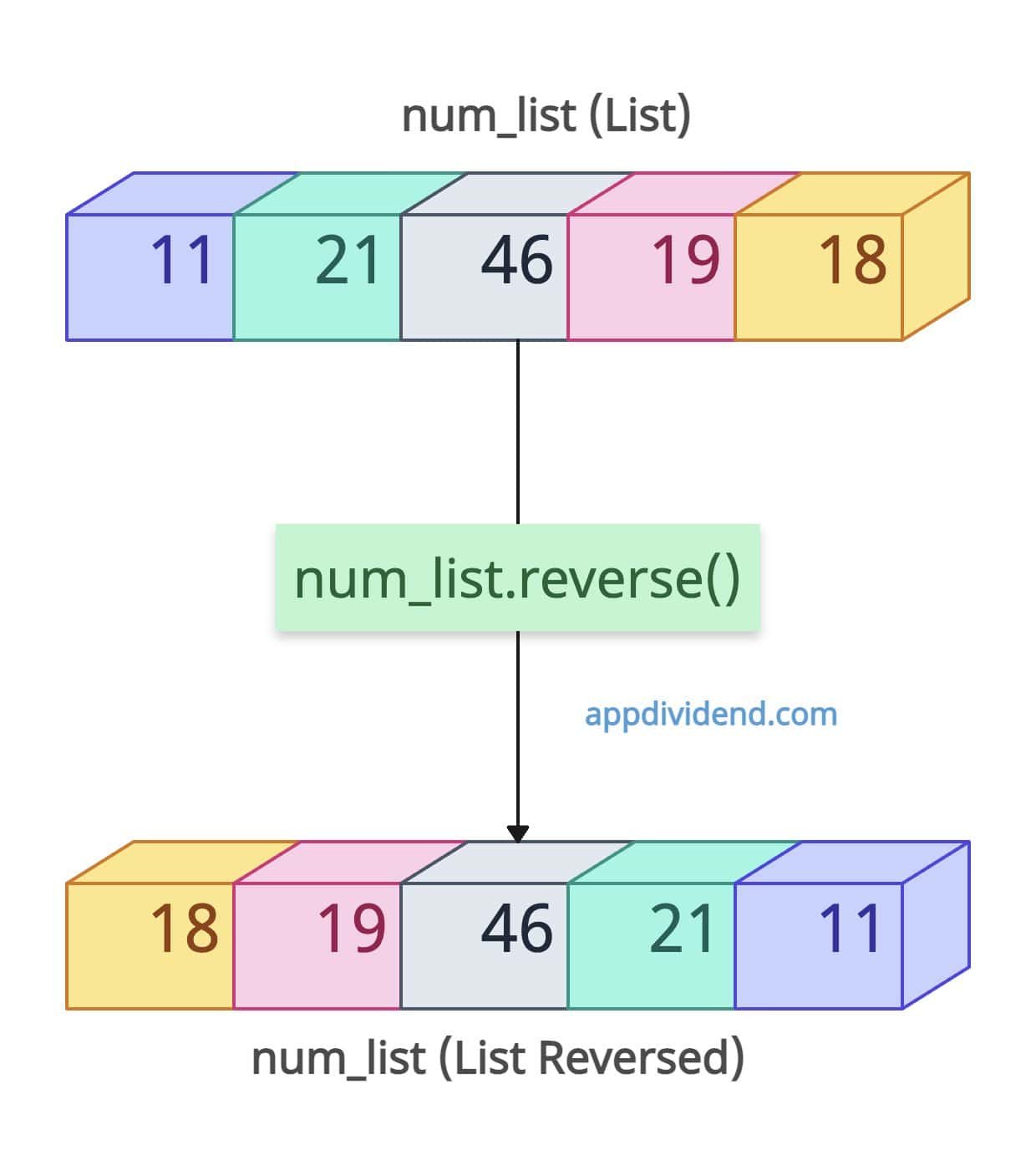
num_list = [11, 21, 46, 19, 18]

num_list.reverse()

print(num_list)

# Output: [18, 19, 46, 21, 11]
In this code, you can see that the output indicates that the num_list has been modified and its elements are now completely reversed from the input.
Syntax
list.reverse()
It does not require any arguments.
Reversal with mixed data types
What if the list contains a mix of types? Well, it doesn’t matter, and it returns the modified list in the exact reverse order.
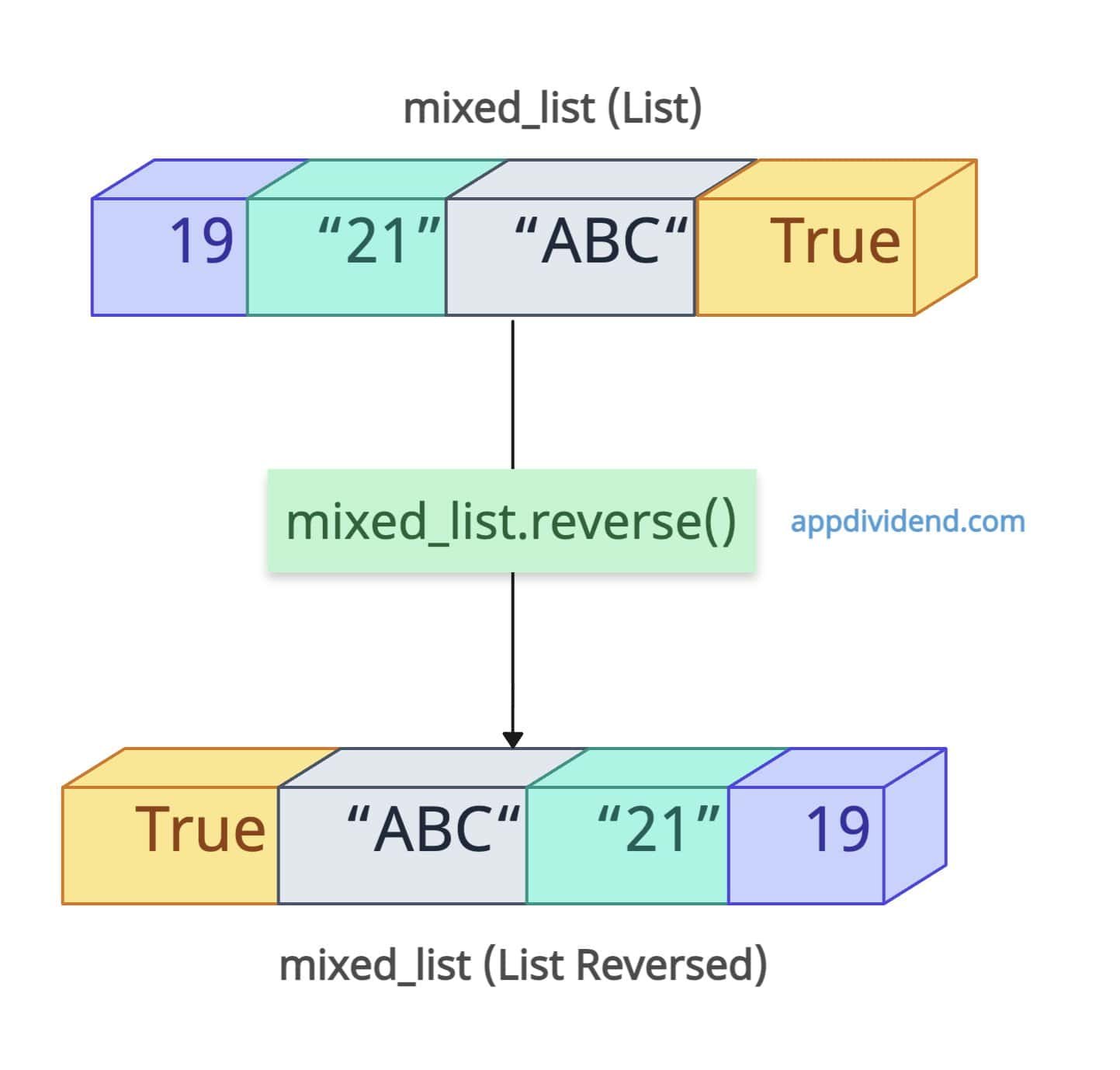
mixed_list = [19, "21", "ABC", True]

mixed_list.reverse()

print(mixed_list)

# Output: [True, 'ABC', '21', 19]
As you can see, it works seamlessly with mutable or immutable elements.
Returning a None Value
As we previously discussed, this method does not return any value; therefore, it returns None, as shown in the following code.
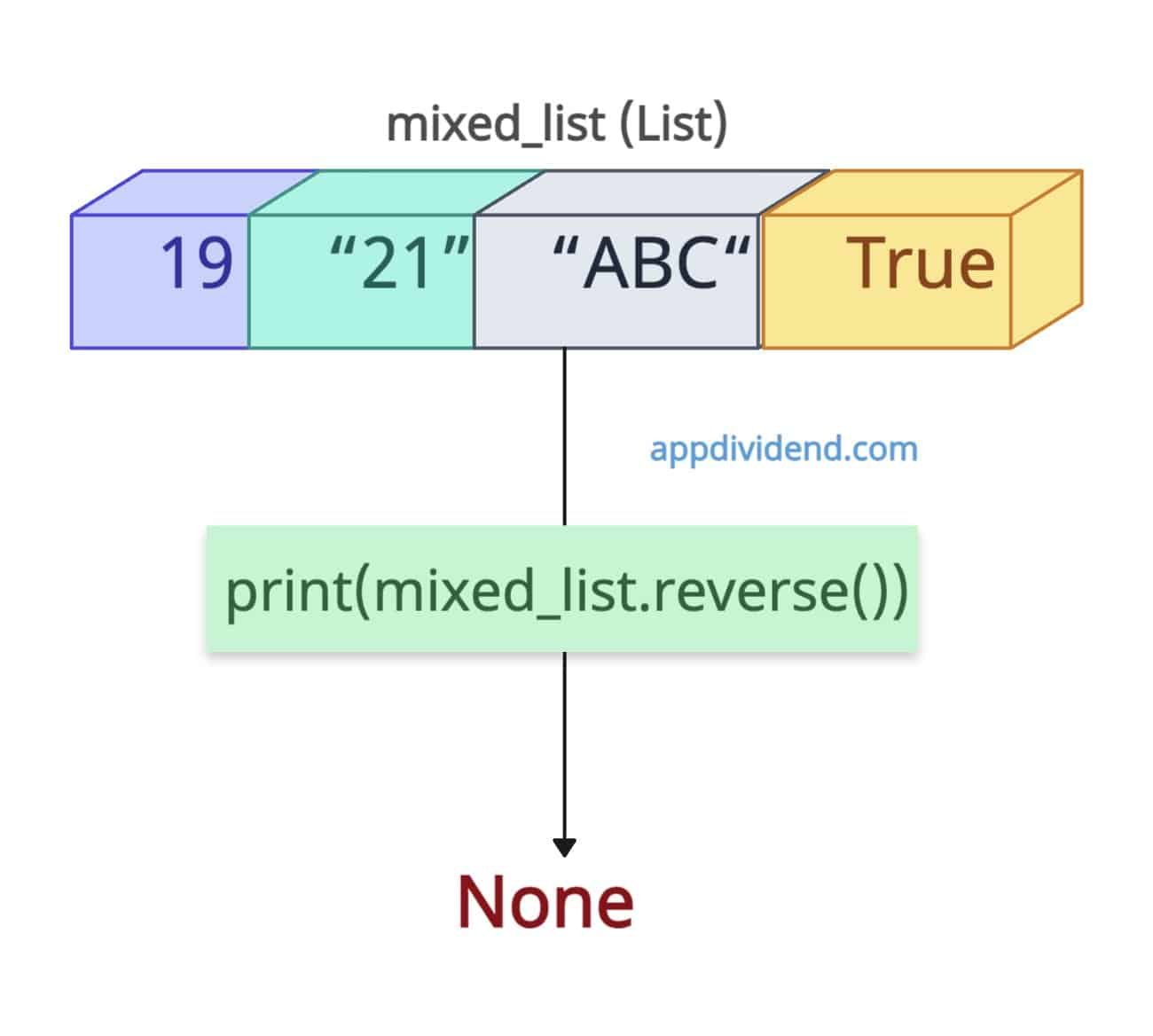
mixed_list = [19, "21", "ABC", True]

print(mixed_list.reverse())

# Output: None
Accessing elements in reversed order
You can efficiently reverse a list for iterative processing without copies using a for…in loop.
num_list = [11, 21, 46, 19, 18]

num_list.reverse()

for item in num_list:
    print(item)

# Output:
# 18
# 19
# 46
# 21
# 11
List with mutable objects
If you come across a nested list, which means a list contains another mutable object like a list, reversal only affects order, not contents.
nested = [[11], [21, 19]]

nested.reverse()

print(nested)

# Output: [[21, 19], [11]]
Single-element List
If the input list contains only a single element, it does not change anything because there is only one element, and its reverse is itself.
single = [11]

single.reverse()

print(single)

# Output: [11]
Empty list
If the input list is empty, no change occurs; the output list remains empty.
empty = []

empty.reverse()

print(empty)
# Output: []

print(empty.reverse() is None)
# Output: True
That’s all!

