
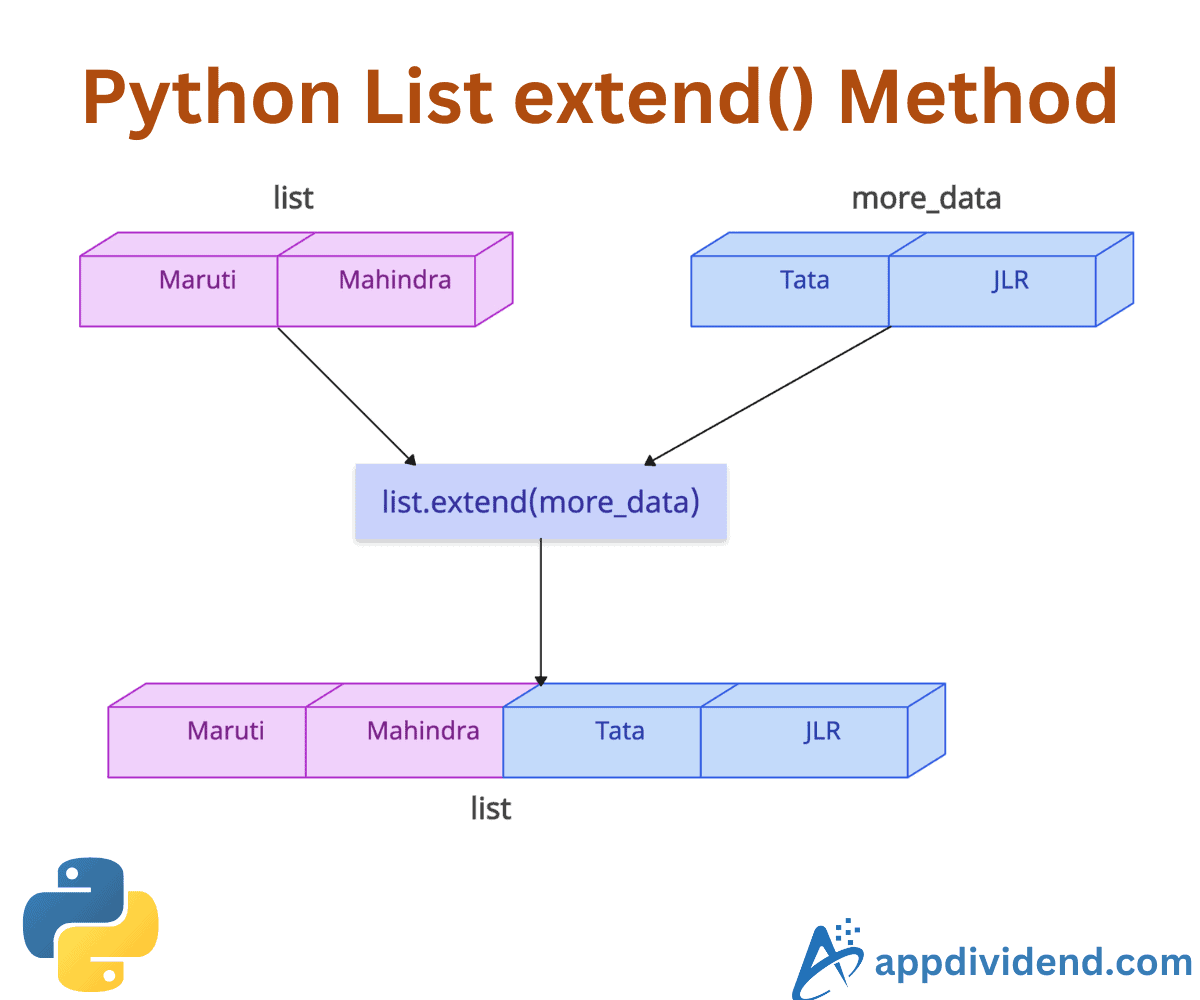
The list.extend() is a built-in Python method that adds all elements from an iterable (e.g., list, tuple, string, set, dictionary keys) to the end of the list on which it is called.
It modifies the existing list and does not return a new list. Also, it preserves the order of added elements from the iterable.
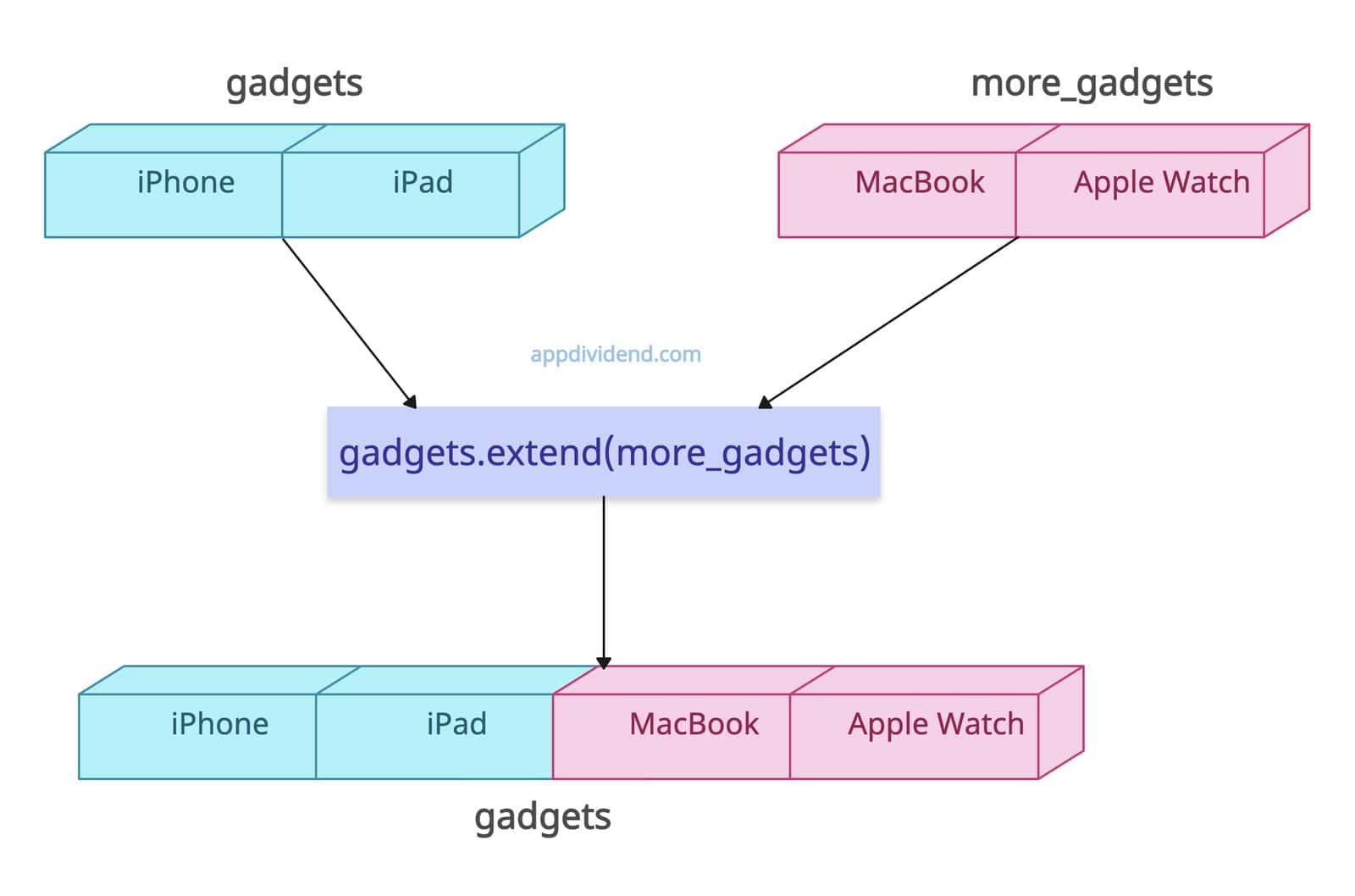
gadgets = ["iPhone", "iPad"]

more_gadgets = ["MacBook", "Apple Watch"]

gadgets.extend(more_gadgets)

print(gadgets)

# Output: ['iPhone', 'iPad', 'MacBook', 'Apple Watch']
Syntax
list.extend(iterable)
Parameters
| Argument | Description |
| iterable |
It represents an iterable object (e.g., list, tuple, string, set, dictionary keys, etc.) that should be appended at the end of the list. |
Extending with a Tuple
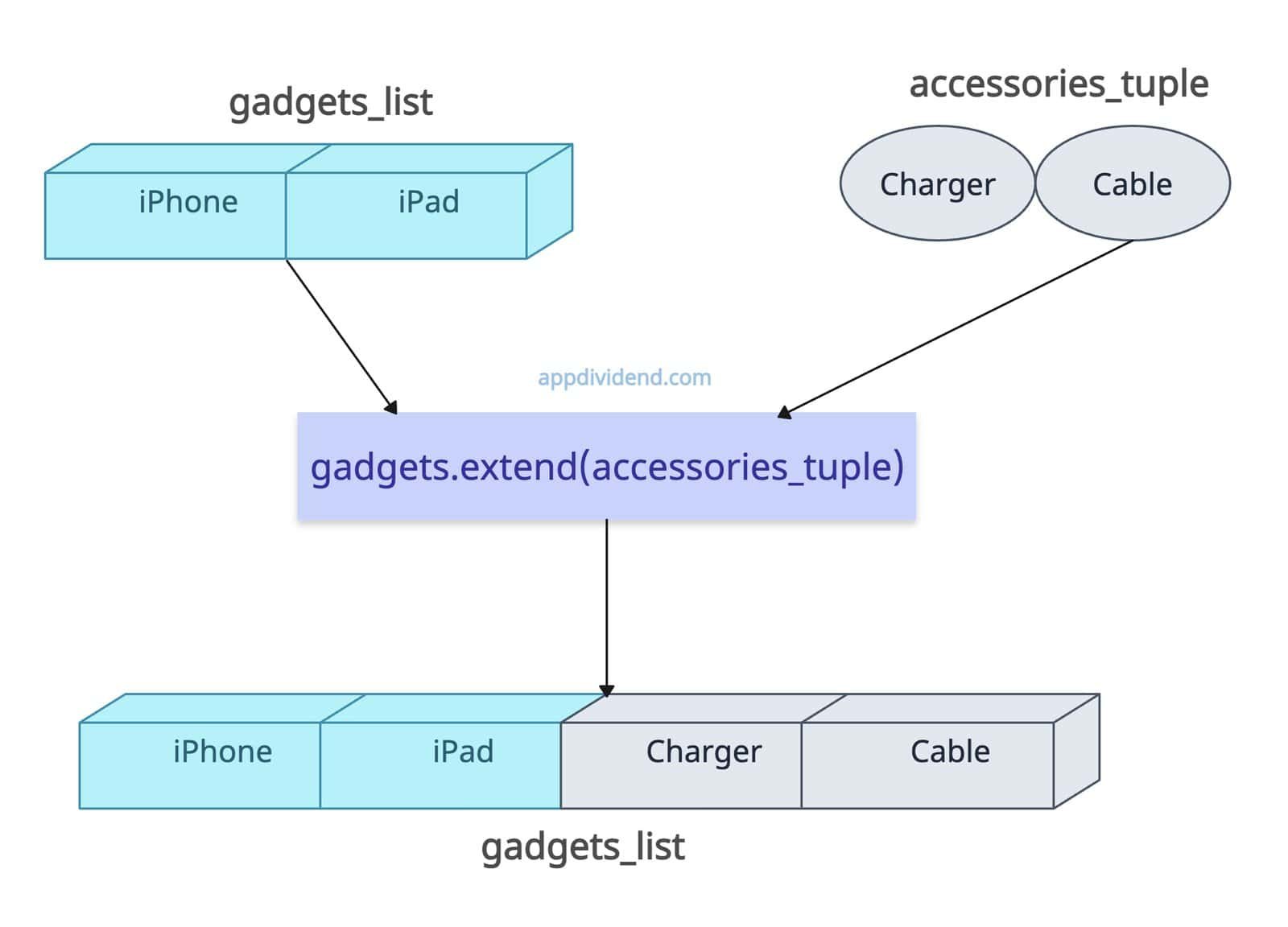
The tuple is an iterable, so that we can append it to a list using the .extend() method.
It will add the elements of a tuple individually, meaning the tuple will be unpacked first, and then the elements will be added to the list.
gadgets_list = ["iPhone", "iPad"]

accessories_tuple = ("Charger", "Cable")

gadgets_list.extend(accessories_tuple)

print(gadgets_list)

# Output: ['iPhone', 'iPad', 'Charger', 'Cable']
Extending with a Set

Sets are iterables, but the order of their elements is not guaranteed. This method adds all the elements of the set individually to the list.
num_list = [1, 2]

num_set = {19, 21}

num_list.extend(num_set)

print(num_list)

# Output: [1, 2, 19, 21]
With Dictionary
When it comes to a dictionary, the extend() method behaves differently.
A dictionary contains keys and values. So, what will be appended to the list? Well, the answer is keys, as dictionaries are iterable over their keys. It will add dictionary keys to the list.
num_list = [1, 2]

dict = {"b": 19, "k": 21}

num_list.extend(dict)

print(num_list)

# Output: [1, 2, 'b', 'k']
With a String (character by character)

A string is treated as an iterable of individual characters, so each character is added separately.
char_list = ["x", "y"]

new_str = "kb"

char_list.extend(new_str)

print(char_list)

# Output: ['x', 'y', 'k', 'b']
In the above code, you can see that “new_str” contains a single string with two characters, but when you add it to the list, it is appended as individual characters, which is the beauty of the .extend() method.
Empty Iterable
If you extend a list with an empty iterable, it returns the list as it is. No changes happen.
filled_list = [19, 21]

empty_iterable = []

filled_list.extend(empty_iterable)

print(filled_list)

# Output: [19, 21]
Extending with a Non-Iterable
Let’s say you have a list and you want to add a single integer. How does it work? Well, it won’t work because an integer is not an iterable, and it will throw TypeError: ‘int’ object is not iterable error.
We can handle this TypeError by using the try-except mechanism.
lst = [1, 2]

try:
    lst.extend(3)
except TypeError as e:
    print(e)

# TypeError: 'int' object is not iterable
Difference between append() and extend()
The main difference between append() and extend() is that the append() method adds the entire iterable as a single element, whereas the extend() method adds the iterable’s elements as individual elements.
list_a = [1, 2]
list_e = [1, 2]

list_a.append([19, 21])  # Adds [19, 21] as a single element

list_e.extend([19, 21])  # Adds 19 and 21 as separate elements

print(list_a)
# Output: [1, 2, [19, 21]]

print(list_e)
# Output: [1, 2, 19, 21]
The above output shows the clear difference. The list_a has only three elements, where the third element is a list as an element. The list_b has four elements, none of which are lists.


sbabu
def my_fun(x):
for k in range (len(x)):
print(‘k is ‘,k)
x.extend(x[:k])
print(‘x is’,x)
m = [2,4,3]
my_fun(m)
print(m)
********************************
out put
k is 0
x is [2, 4, 3] Here it did not do any thing
k is 1
x is [2, 4, 3, 2]
k is 2
x is [2, 4, 3, 2, 2, 4] Why 2 is added 2 times?
[2, 4, 3, 2, 2, 4]